Overview
Redesigning and rebuilding Ballogy’s 300K+ user sports app
We’ve partnered with Ballogy for 9+ months to overhaul the full mobile product experience, then moved into a focused 3-month engagement to rebuild the iOS and Android frontend.
- Live athlete development platform
- 300K+ users
- Ongoing product partnership
- 9+ months
- PitchBook-listed funding
- $17.2M raised
"Mobile app looks amazing. Super pleased with the first build. We knew you guys would crush this!"
 Jordan GreenCOO @Ballogy
Services used
About the project
Ballogy helps young athletes train, prove it on video, and get seen, recording their reps, tracking progress, and sharing it in one place. We're redesigning the entire app and helping build the 2.0 so it can scale from basketball to every sport.
Ballogy wasn't starting from zero. It already had a live app and a real community of players, coaches, and parents, along with years of features layered on top of each other, an onboarding flow that was losing new users, and a basketball-first experience that now had to stretch across 18 sports. We were brought in to redesign every flow, onboarding, home, feed, training, and profiles, and to lead the build alongside their engineering team.
This case study explains how we got there.
- Client
- Ballogy
- Industry
- Sports training & athlete development (mobile app)
- Services
- App redesign (UX/UI) · Product design · Design system · App Development · Website design
- Timeline
- 2025 - present
The challenge
Ballogy wasn't a blank slate. It had a working app, real users, and years of accumulated features, which made the rebuild harder, not easier.
The job wasn't to invent a product. It was to take an app that already worked, simplify what had grown complex, and rebuild it to scale, without losing the users, data, and habits people already relied on. It also had to be safe for minors, flexible enough for parents and coaches, and fast, all while multiple teams built at once against a tight clock.
"We had quite a lengthy onboarding process in our existing app, and we saw that people were dropping off, they weren't getting into the app, which is why we shortened it."
- One structure, three users
- Players, coaches, and parents shared similar flows despite having different goals.
- Growing product complexity
- Years of features and real users meant every change had to respect what already worked.
- Depth that had to stay
- Real tracking, coaching, and team tools couldn't be stripped out, only made clearer.
- Built for basketball, needed every sport
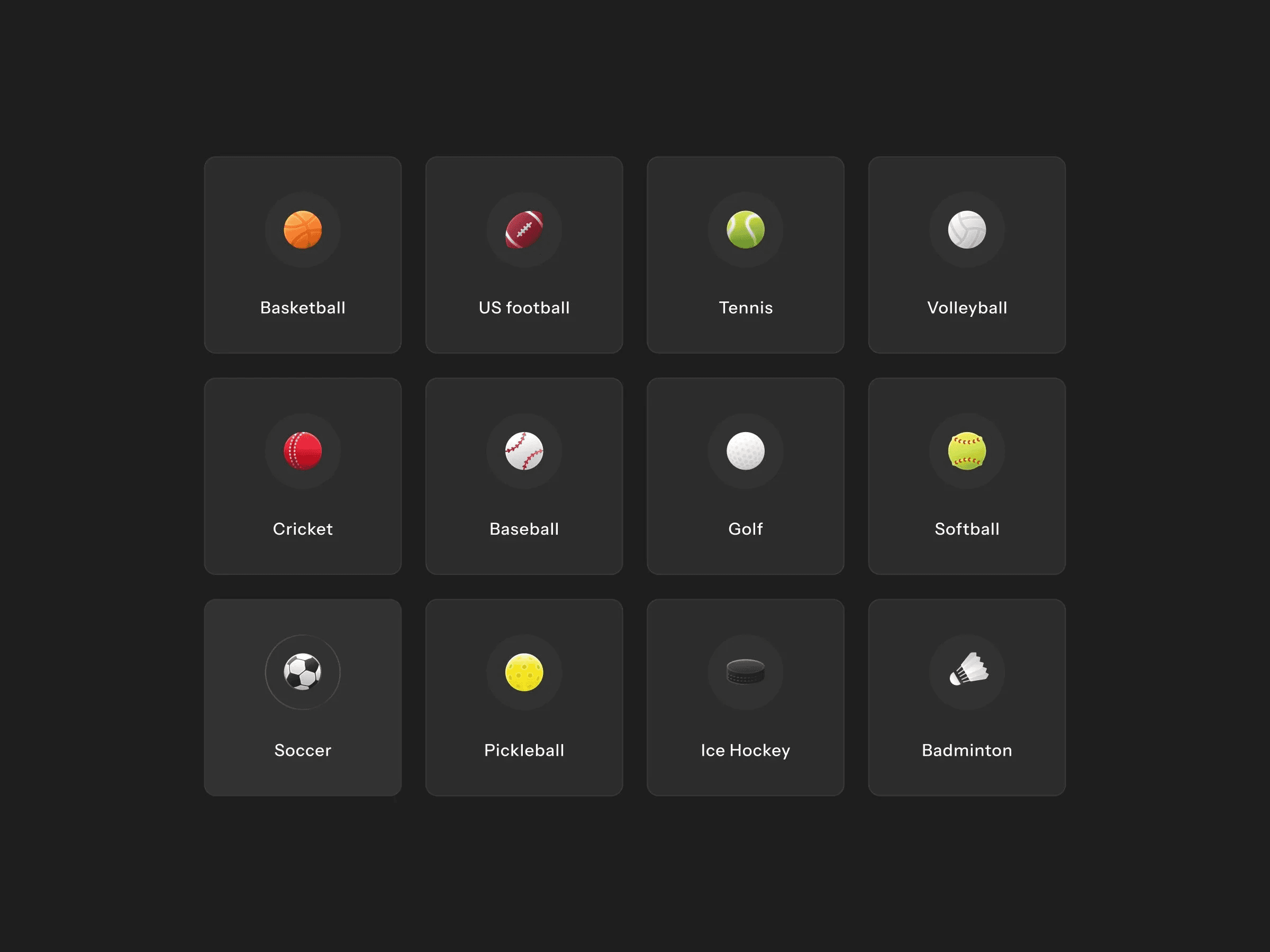
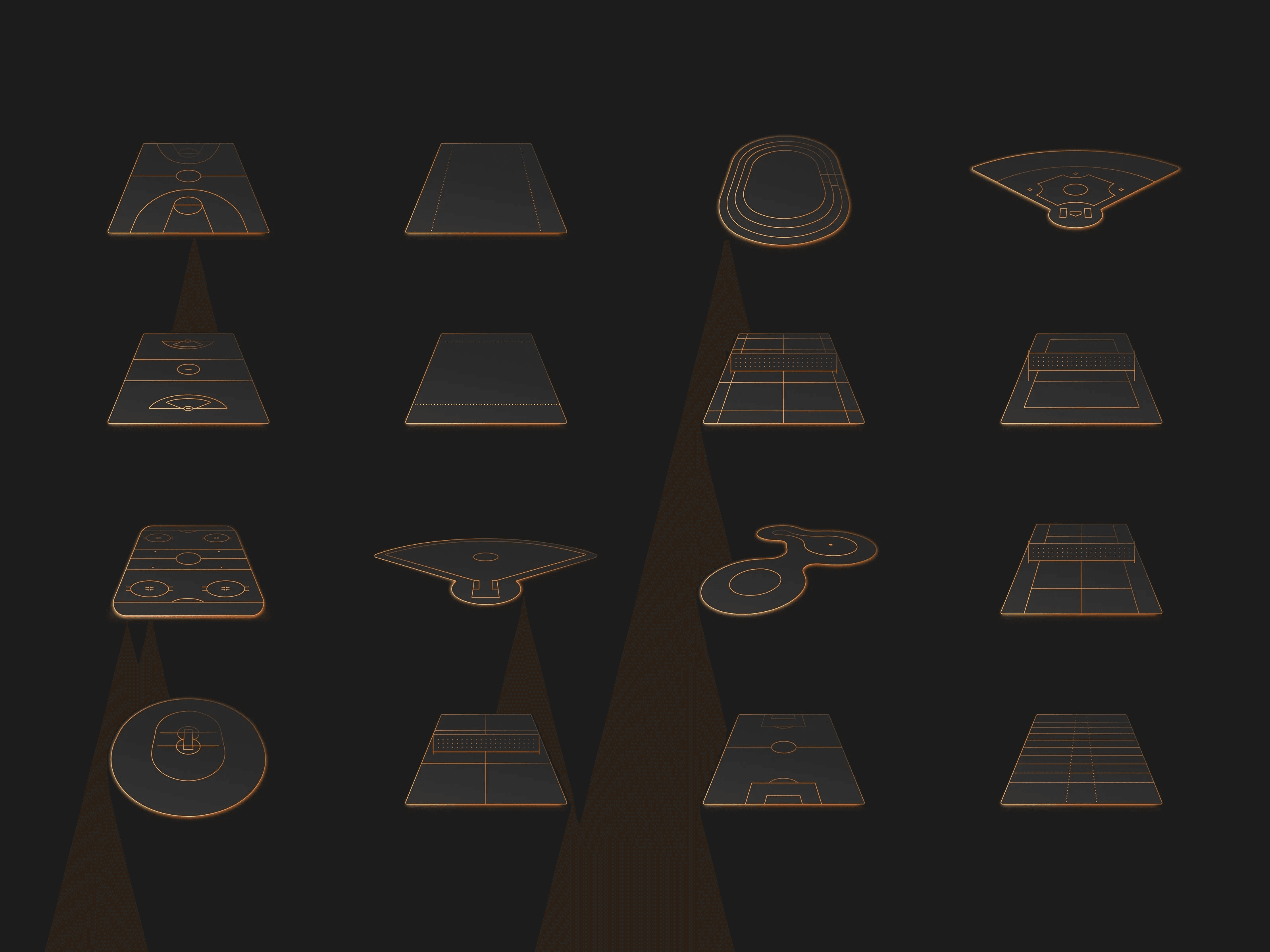
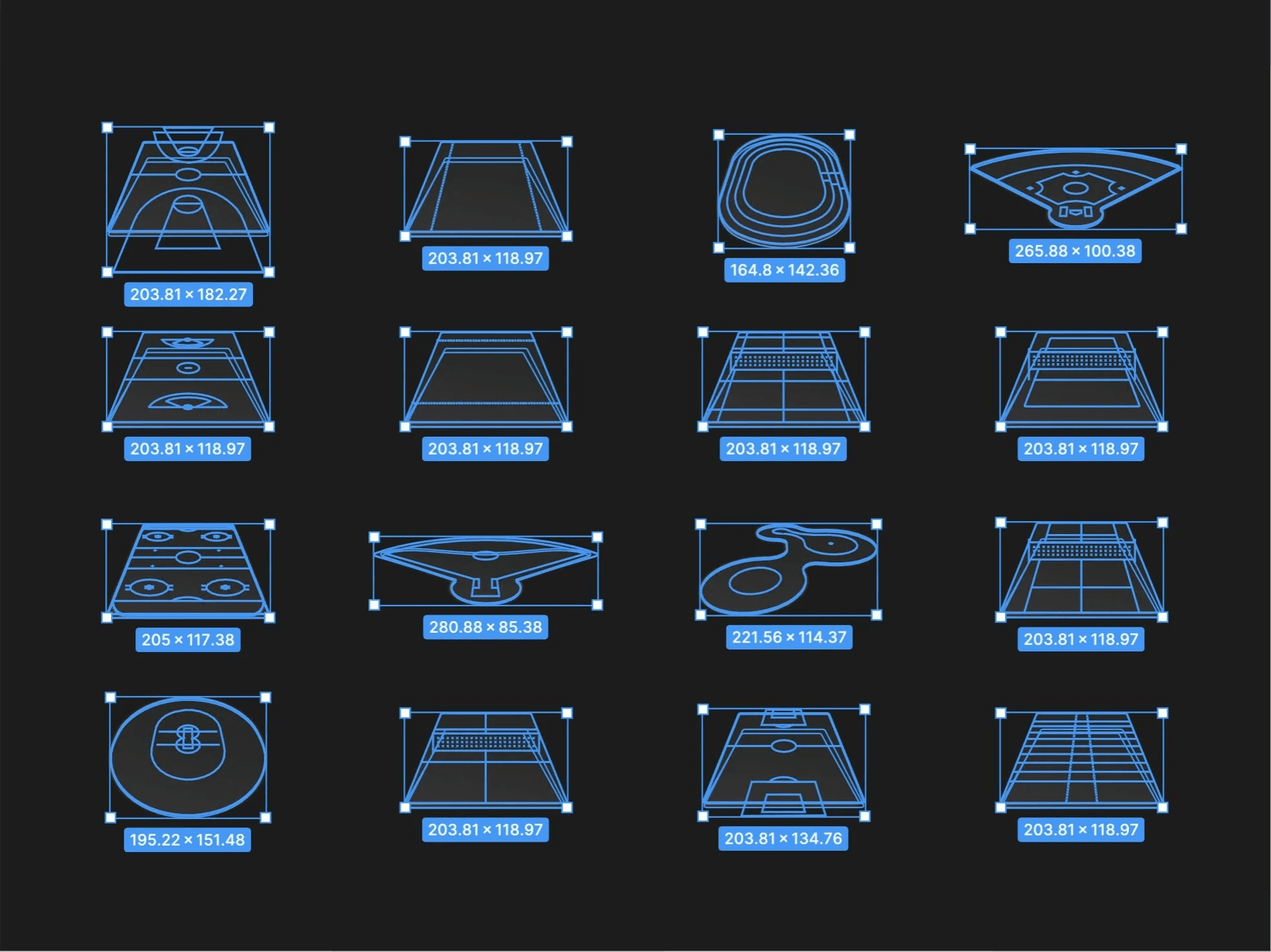
- A basketball-first experience had to scale across 18 sports without leaving sections empty.
- Safe for minors, built for families
- Under-13 rules, parent-managed profiles, and coach, player, and parent roles all had to live in one account system.
- Built to scale
- Whatever we shipped had to hold up across roles, sports, and future growth.
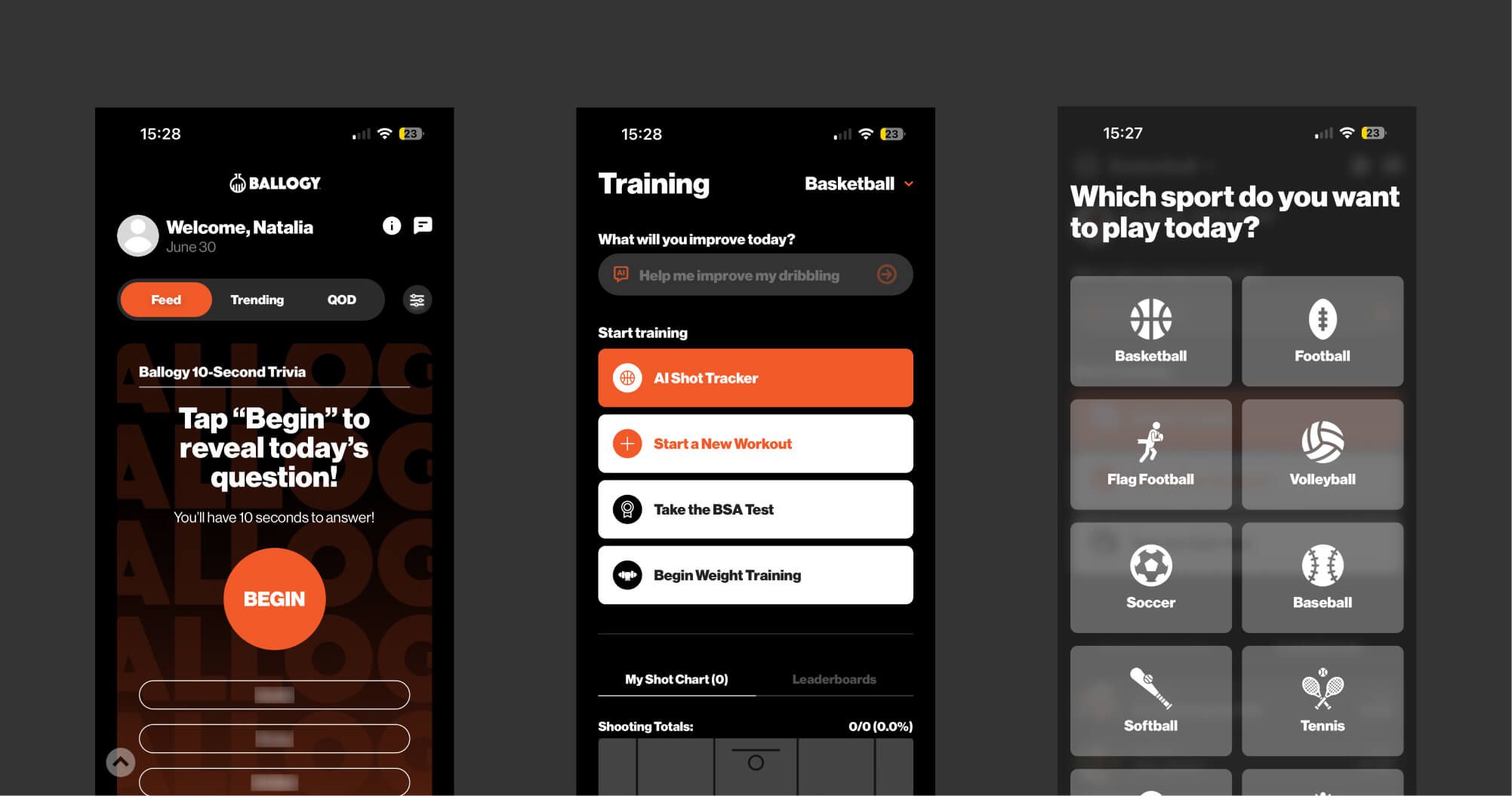
Our approach
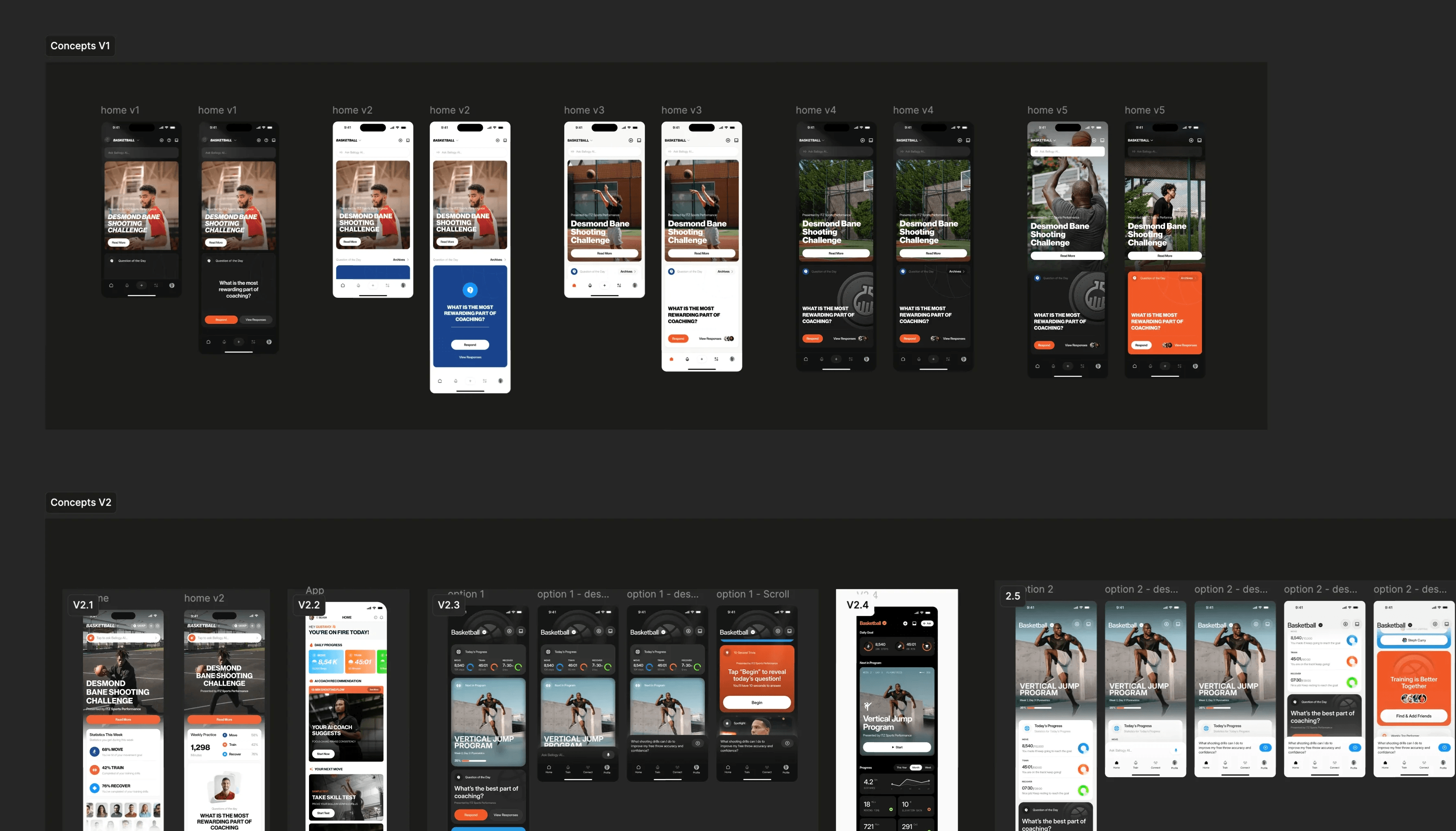
We approached the rebuild from both sides at once. First off, redesigning the UI to make the whole thing feel premium.
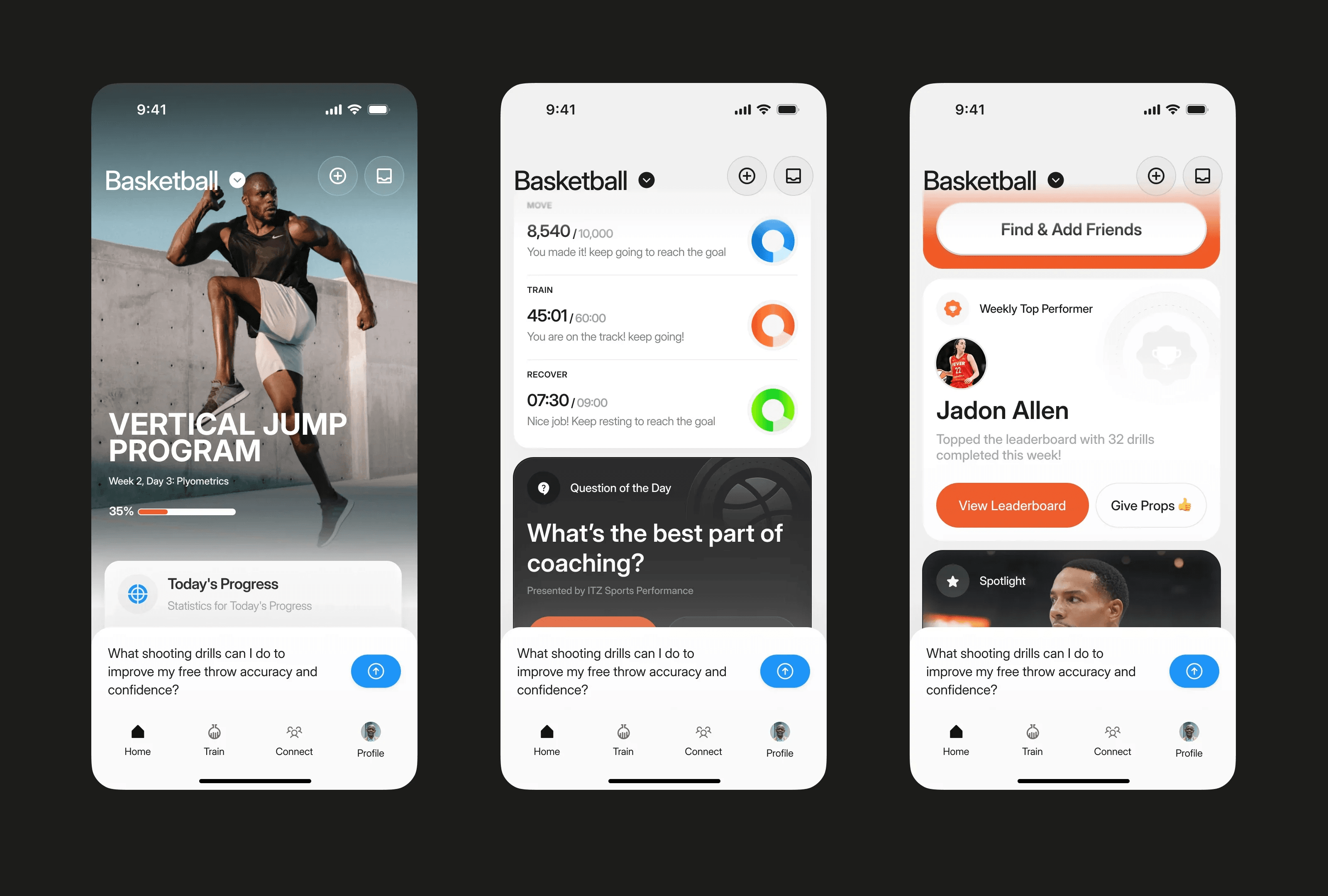
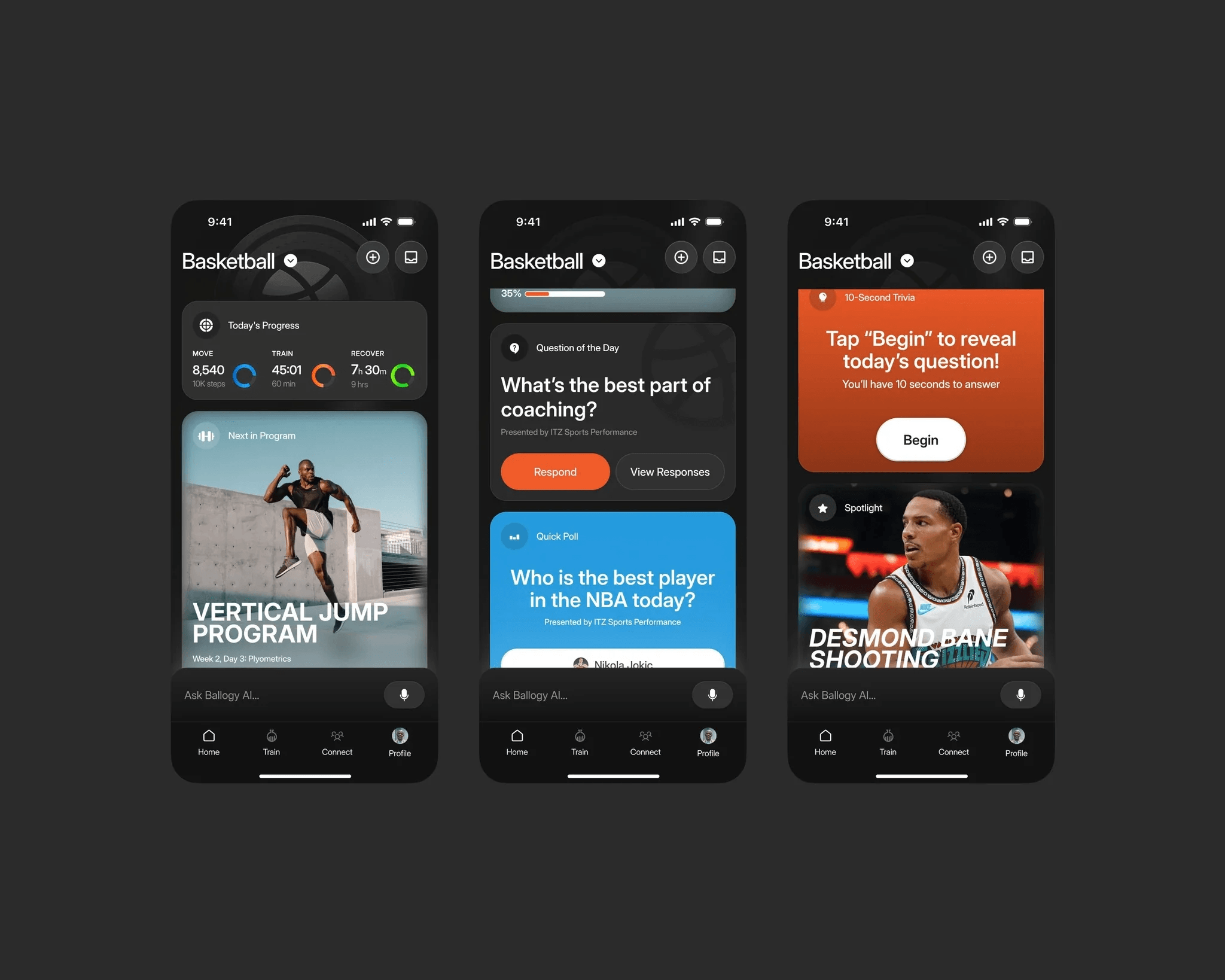
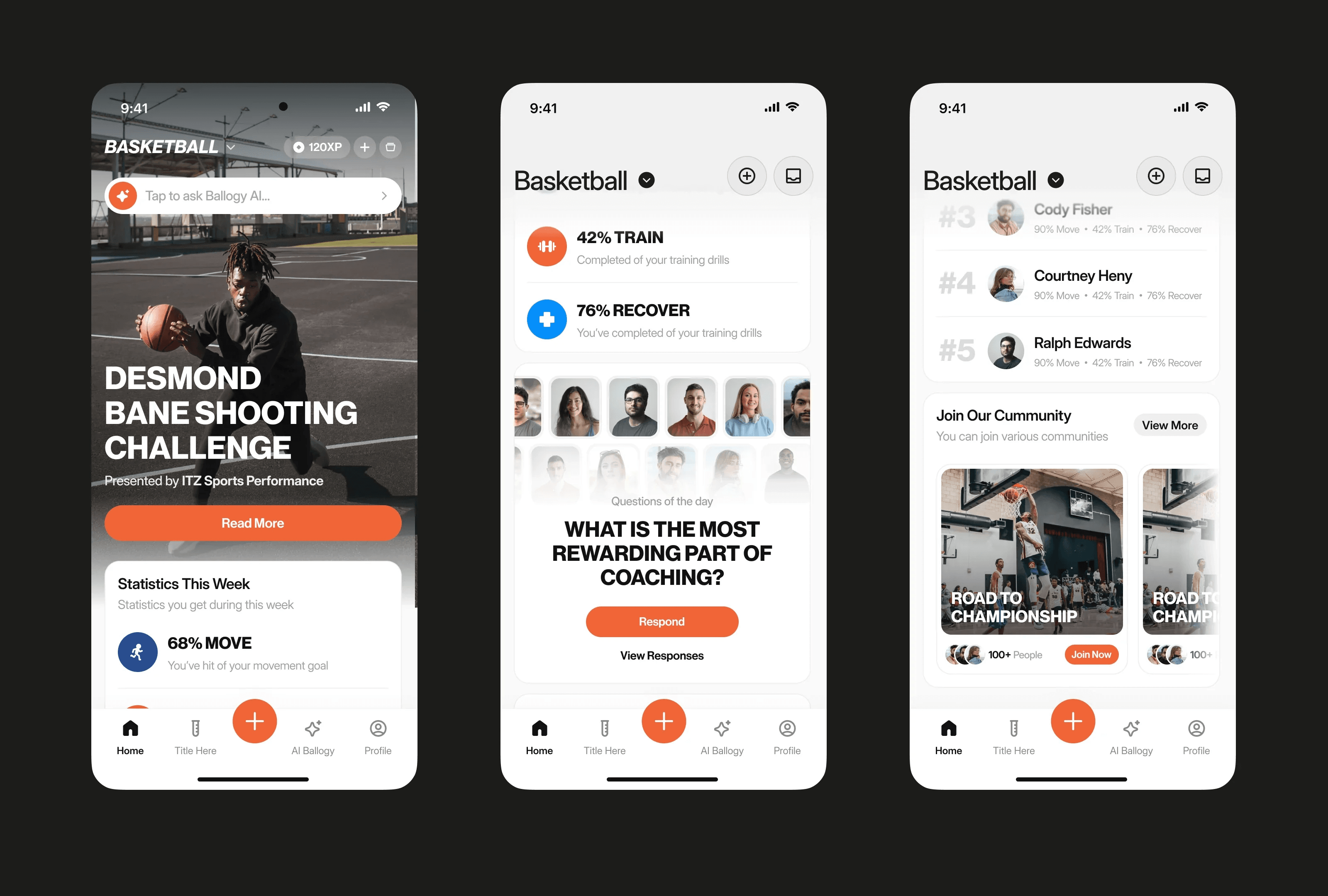
On the UI side, we moved to a premium dark mobile interface with stronger visual hierarchy, consistent components, cleaner cards, tabs, and bottom sheets, bigger and clearer typography, more expressive progress data, and custom badges and achievement moments that give the product personality.
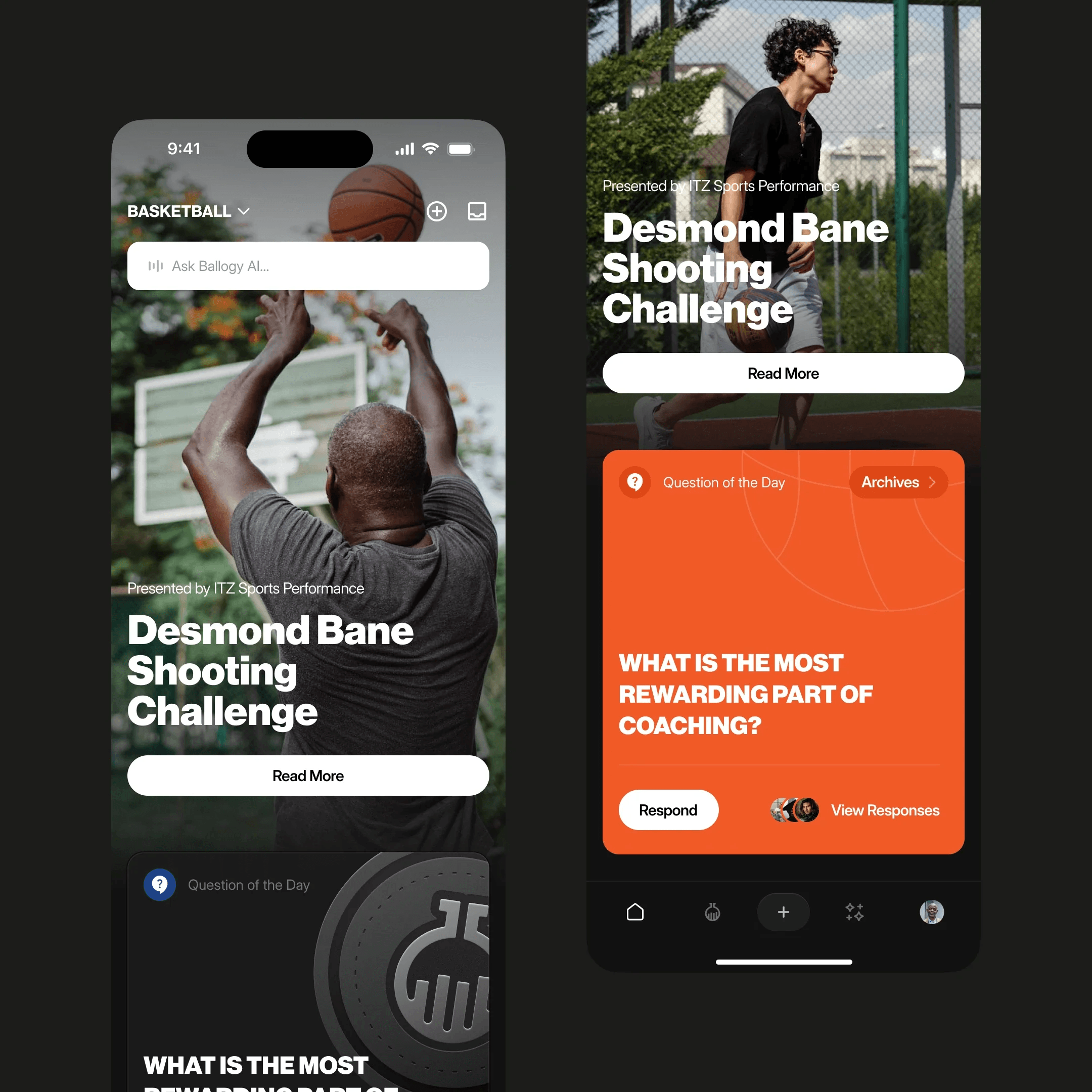
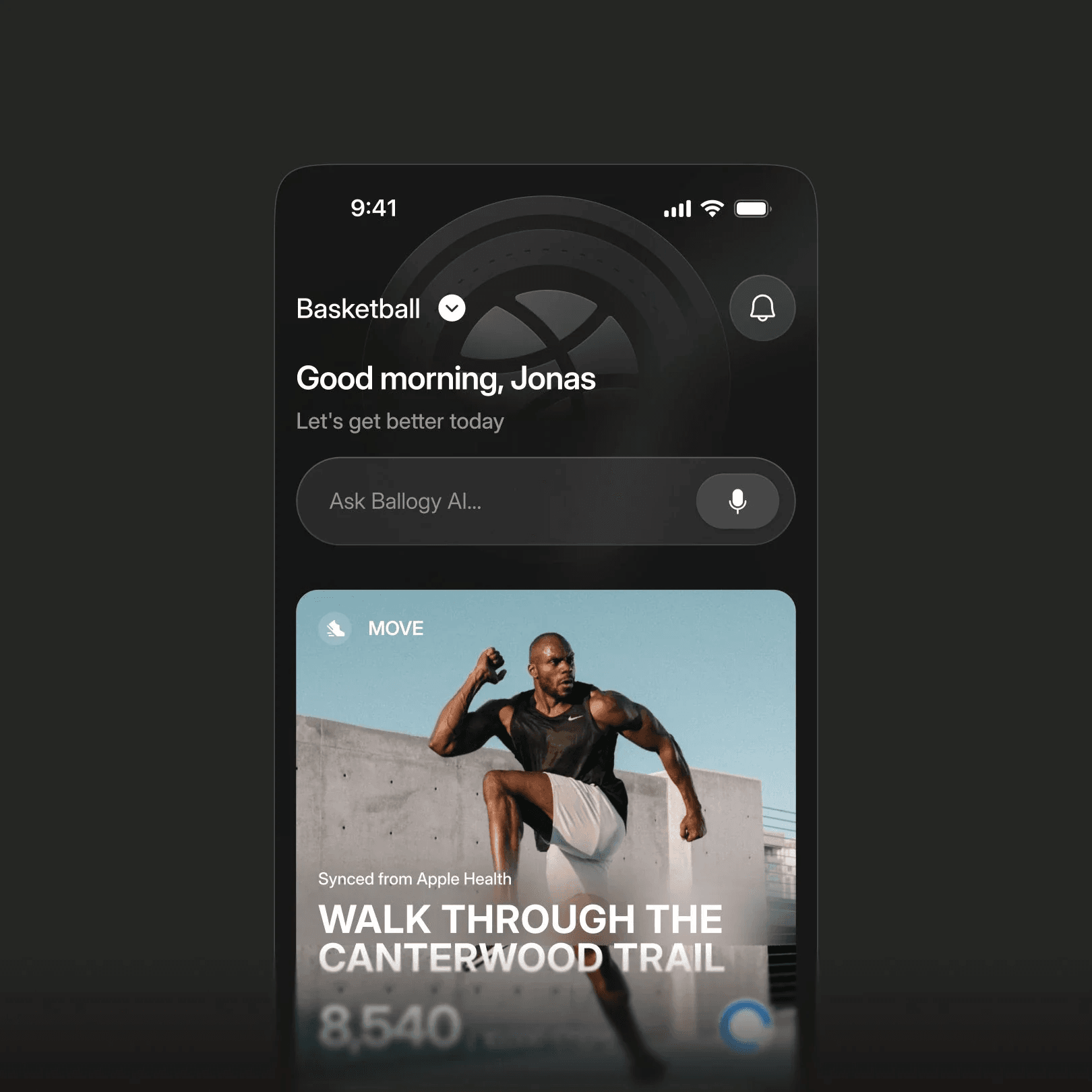
UX rework
And most importantly, untangling the complex user journeys
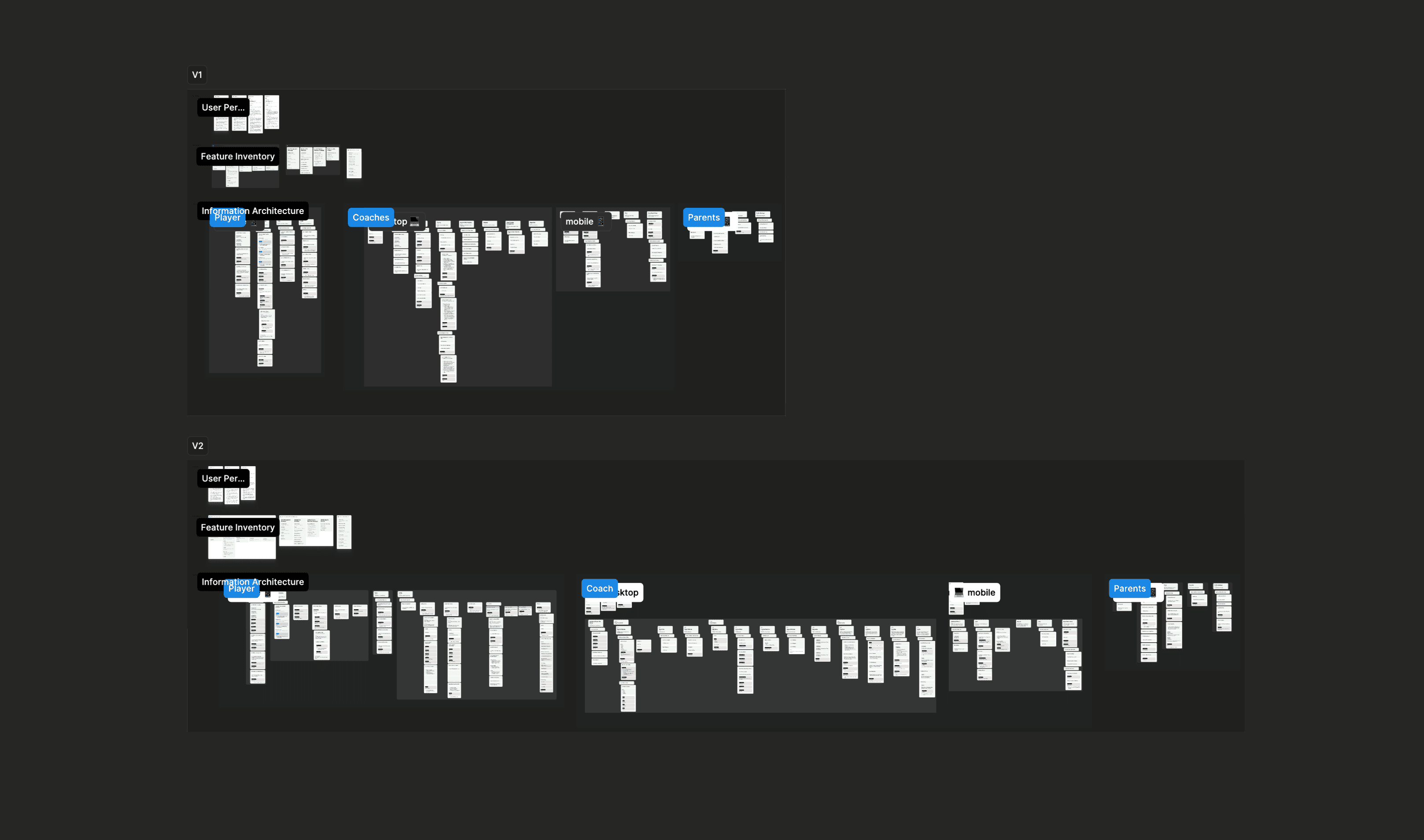
On the UX side, we built clear role-based journeys, simplified onboarding and profile setup, structured the coach workflows, made progress and performance tracking easier to read.
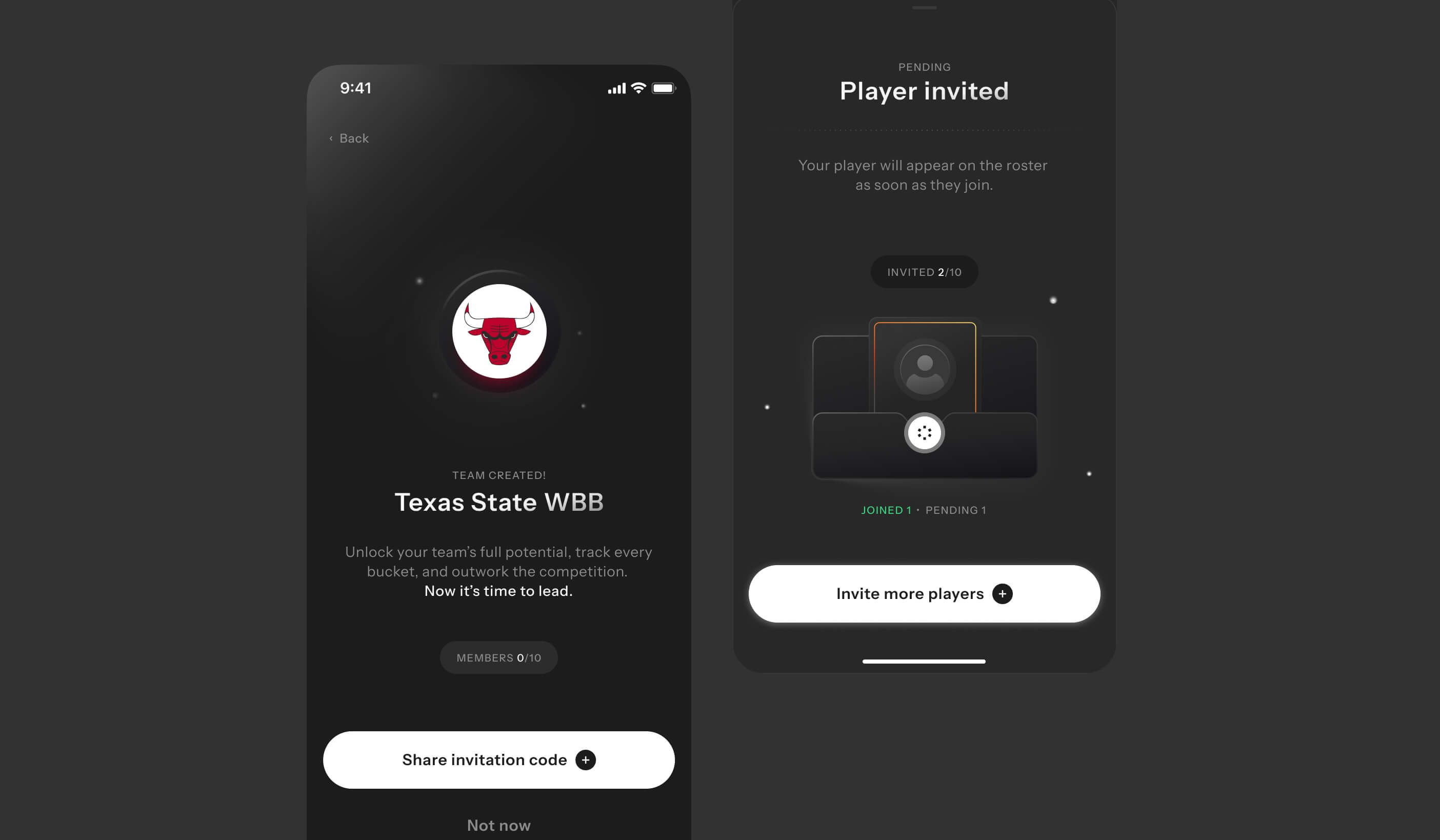
We also tightened the access, invite, and contact-sharing flows so the app felt safe for every user, including minors.
Solution
One product, three different experiences
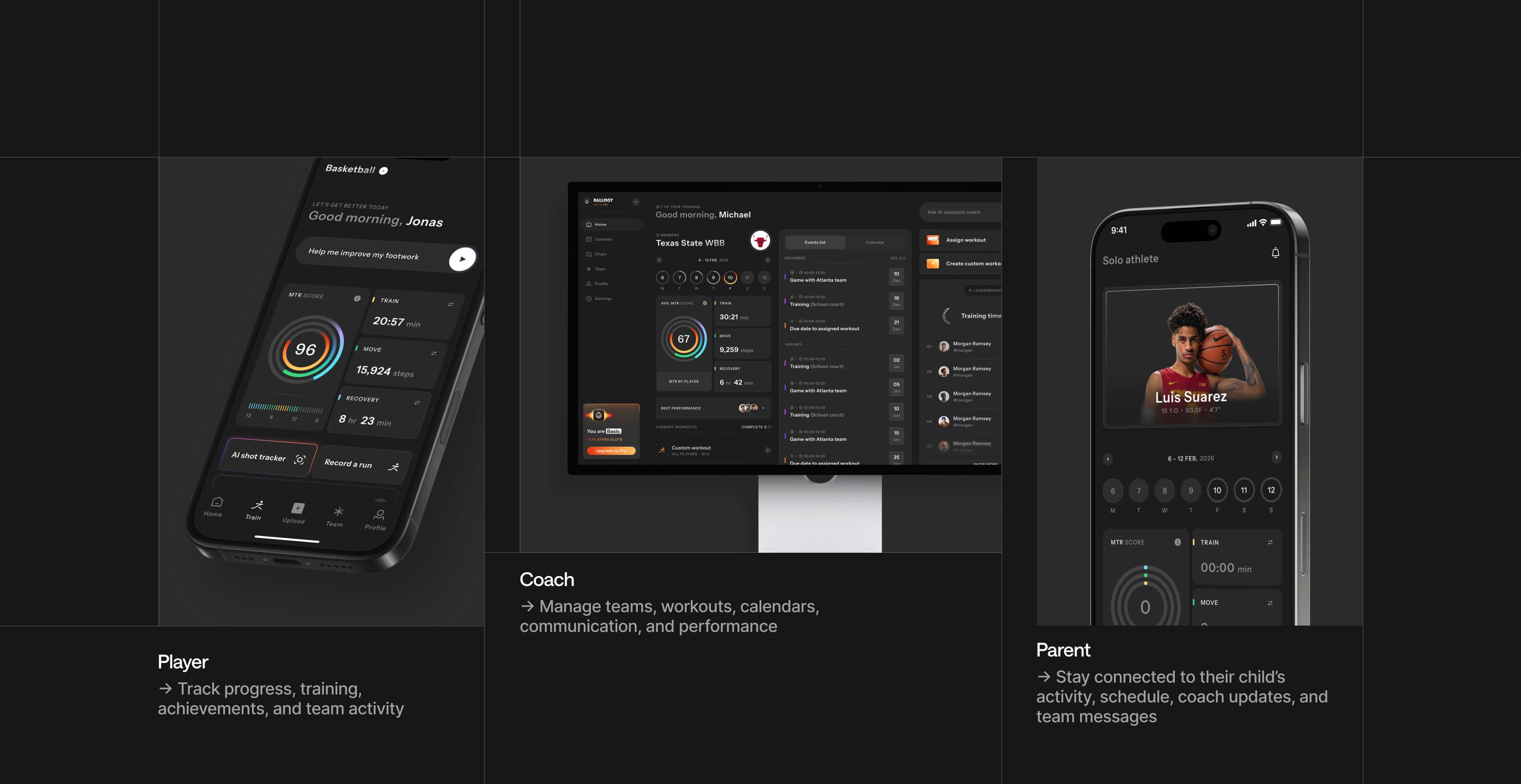
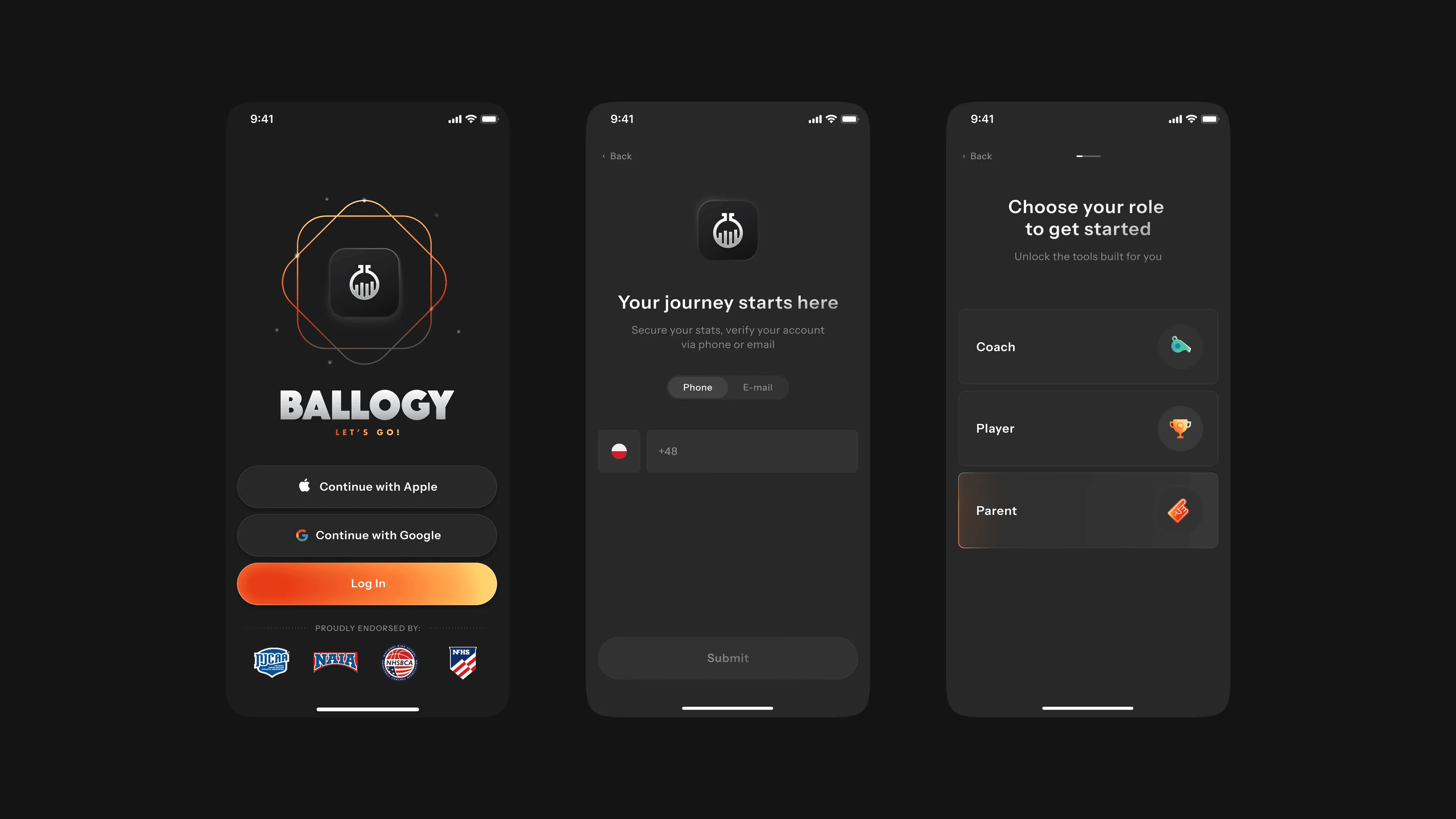
Instead of one app bent to fit everyone, we split Ballogy into three purpose-built journeys.
Player to track progress, training, achievements, and team activity. Coach to manage teams, workouts, calendars, communication, and performance. Parent to stay connected to their child's activity, schedule, coach updates, and team messages.
Same platform, three clear front doors.
Players
New athlete experience
We redesigned the athlete experience to feel structured, motivating, and progress-driven, connecting onboarding, training, performance, achievements, and team activity into one clear journey.
A sports identity from the first session.
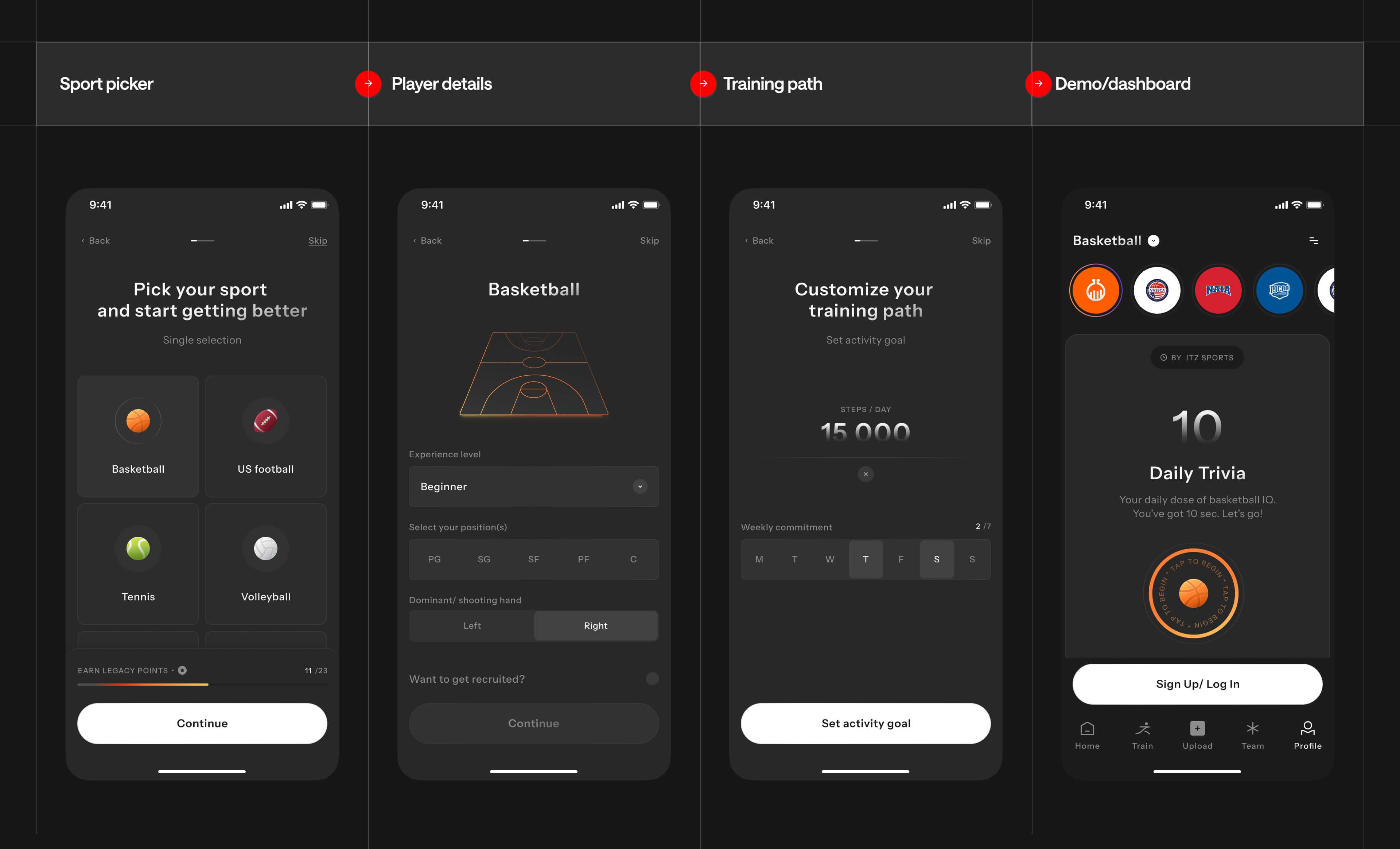
Onboarding now opens with a sport picker, player details, and a training path, so the app feels personal from the very first screen. Players choose their sport, position, experience level, and weekly commitment, and start earning legacy points before they've even finished setting up.
Demo-first experience
After picking a sport, users can enter the app as a fully clickable demo, prefilled with sample data, metrics, and stats.
The profile is prefilled with sample data, metrics, and statistics, so users can explore real screens, real flows, and real product value before creating a full account. Users get to explore real screens and real product value before committing to an account, which lowers the barrier that was costing plenty of sign-ups before.
Clearer home base
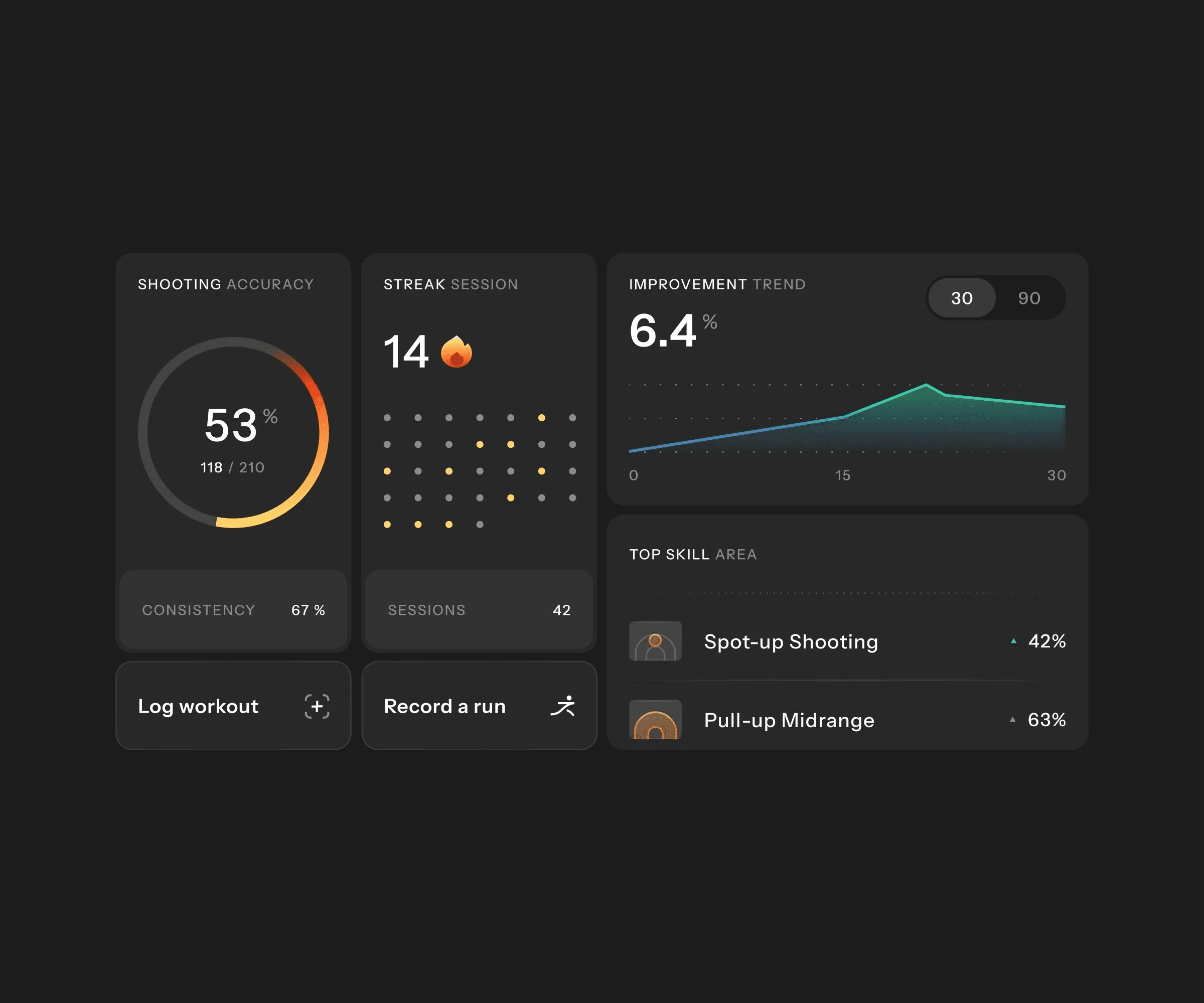
Complex performance data becomes easier to scan
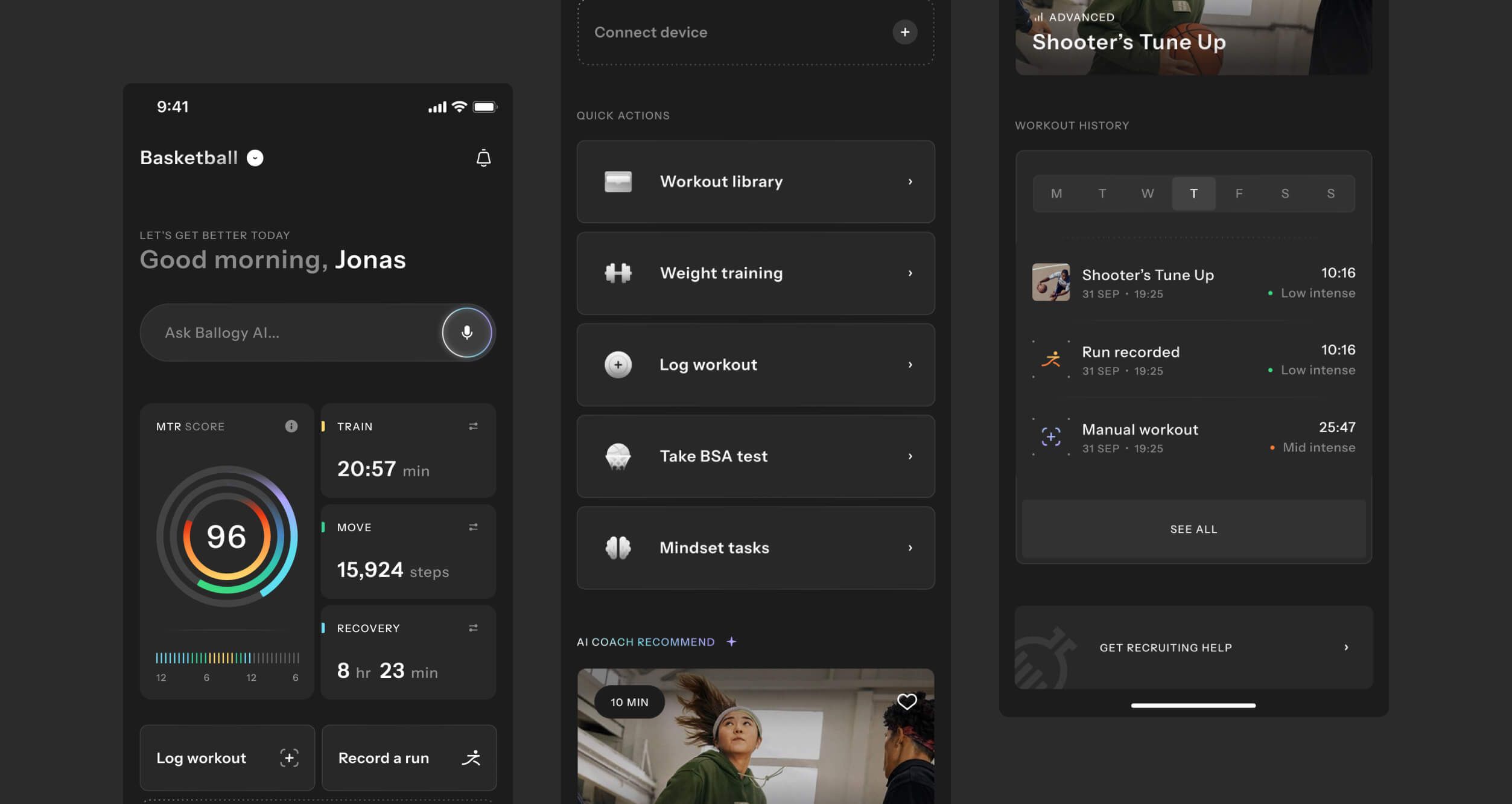
The redesigned home turns complex performance data into something scannable: circular scores, compact stat cards, activity bars, shooting maps, leaderboard positions, and trend charts that make raw numbers actionable at a glance.
Daily progress tracking
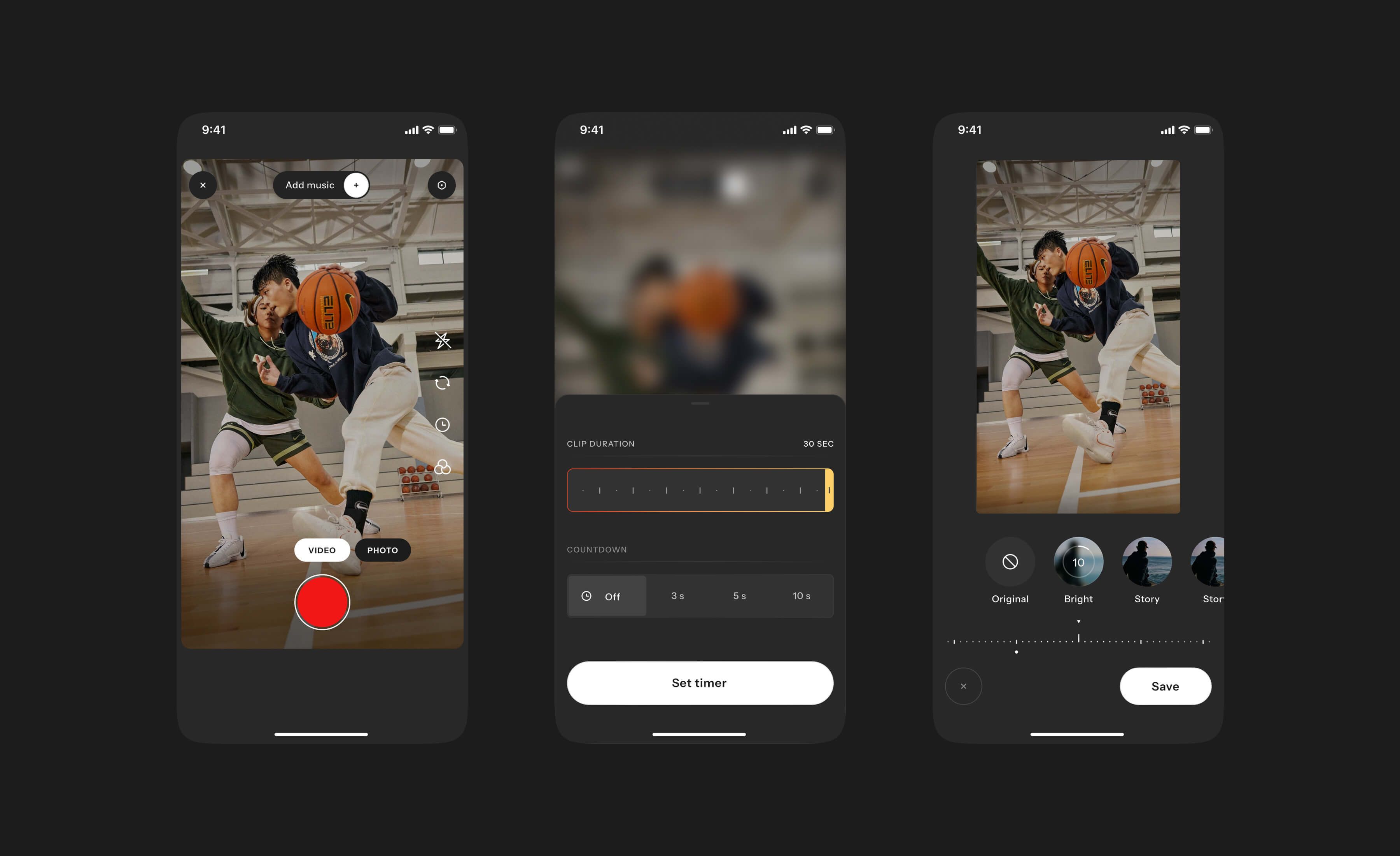
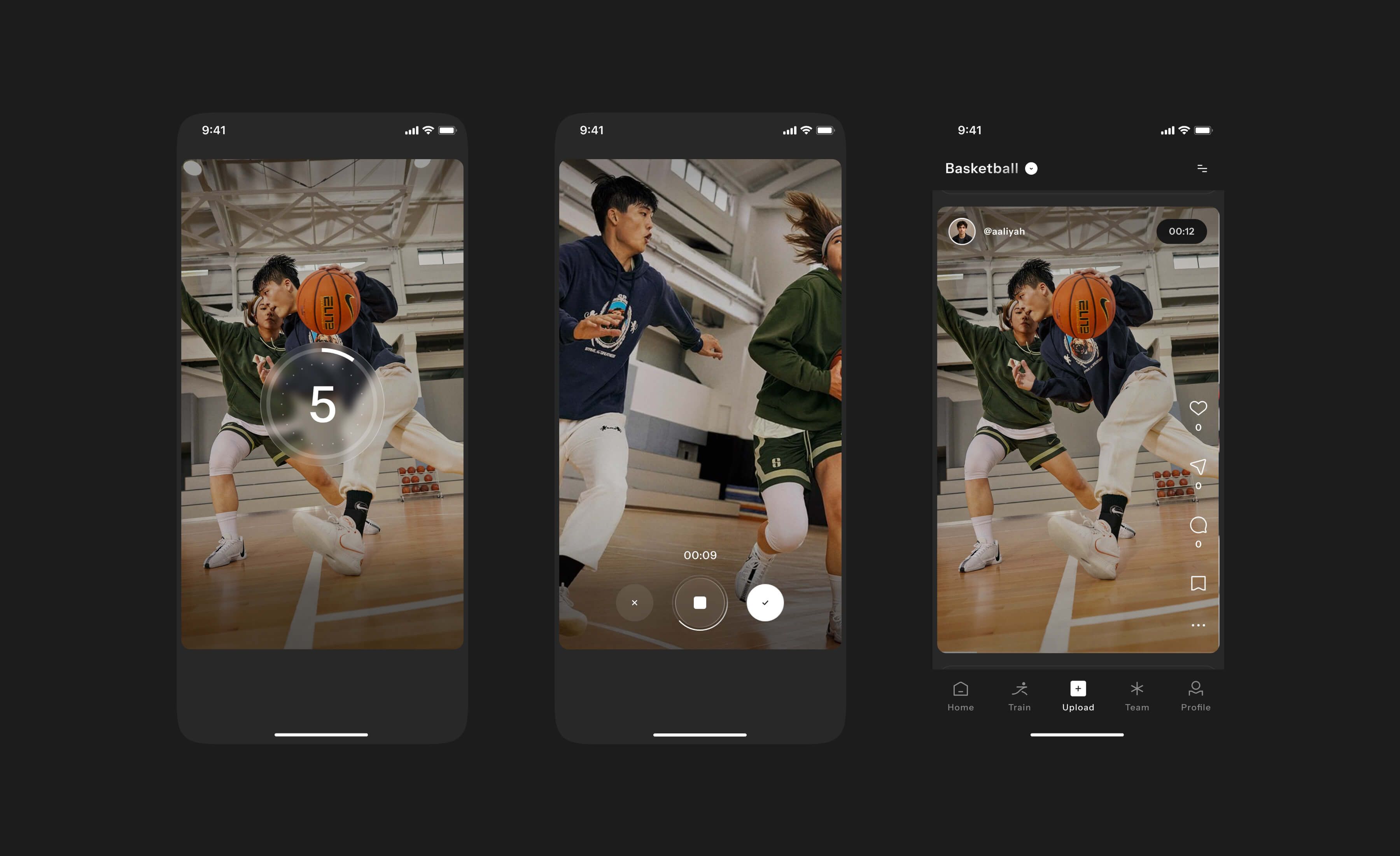
Players activities all come down to a single loop: train, track, understand, get rewarded, come back stronger.
Players act, every action is captured, insights show them what's improving, rewards reinforce the effort, and the system gives them a reason to return.
Gamification
Turning progress into something players can feel
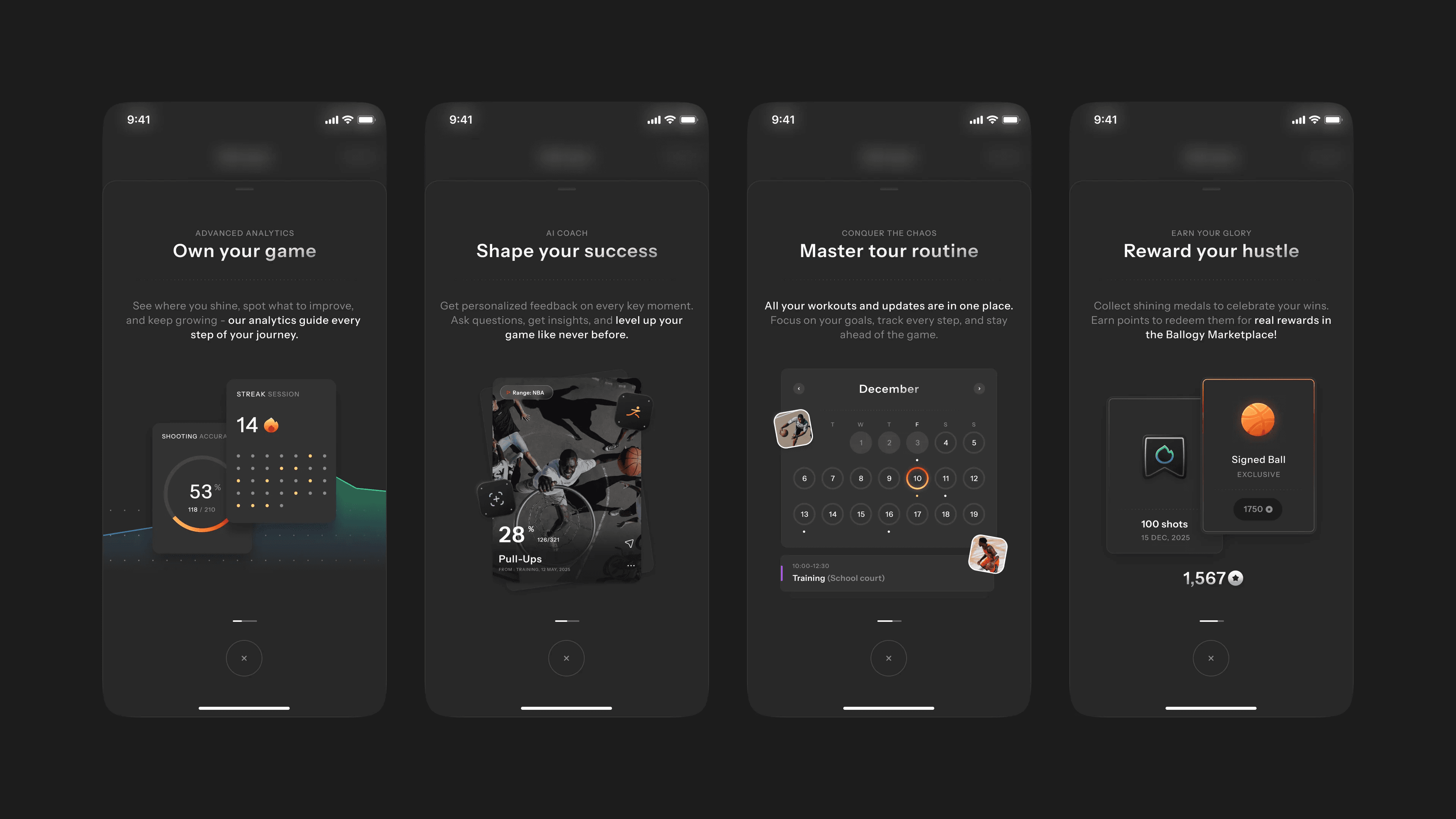
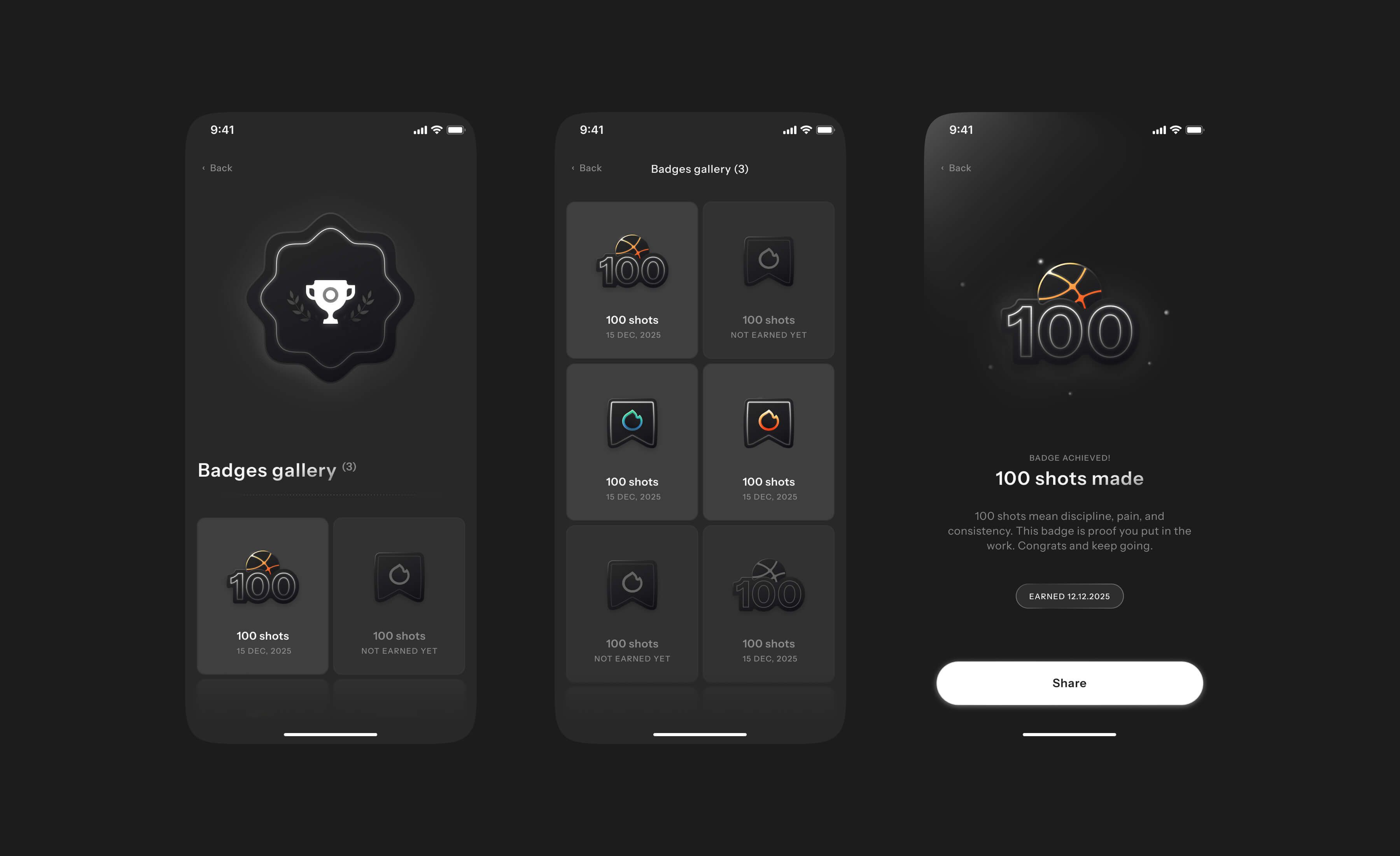
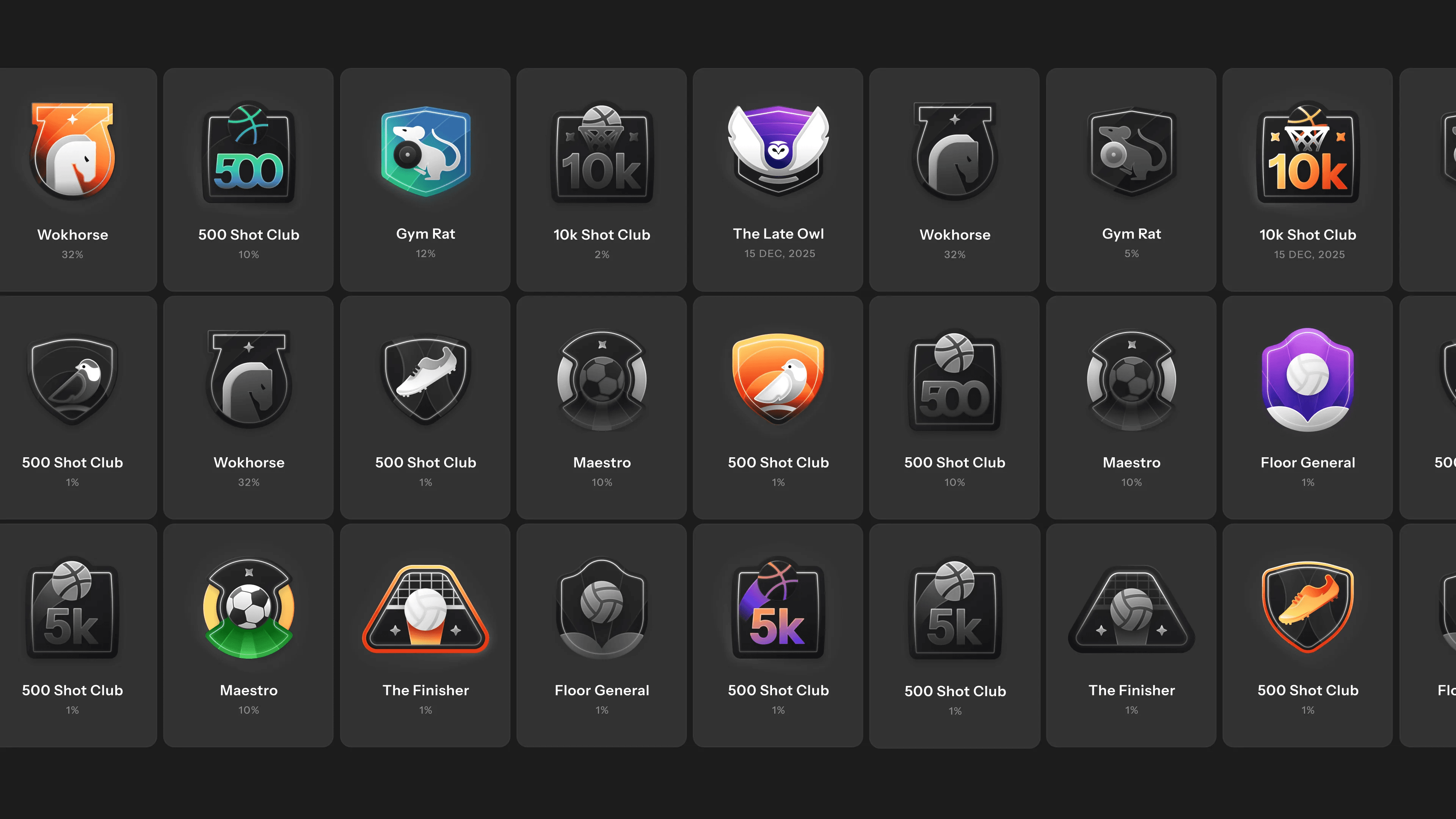
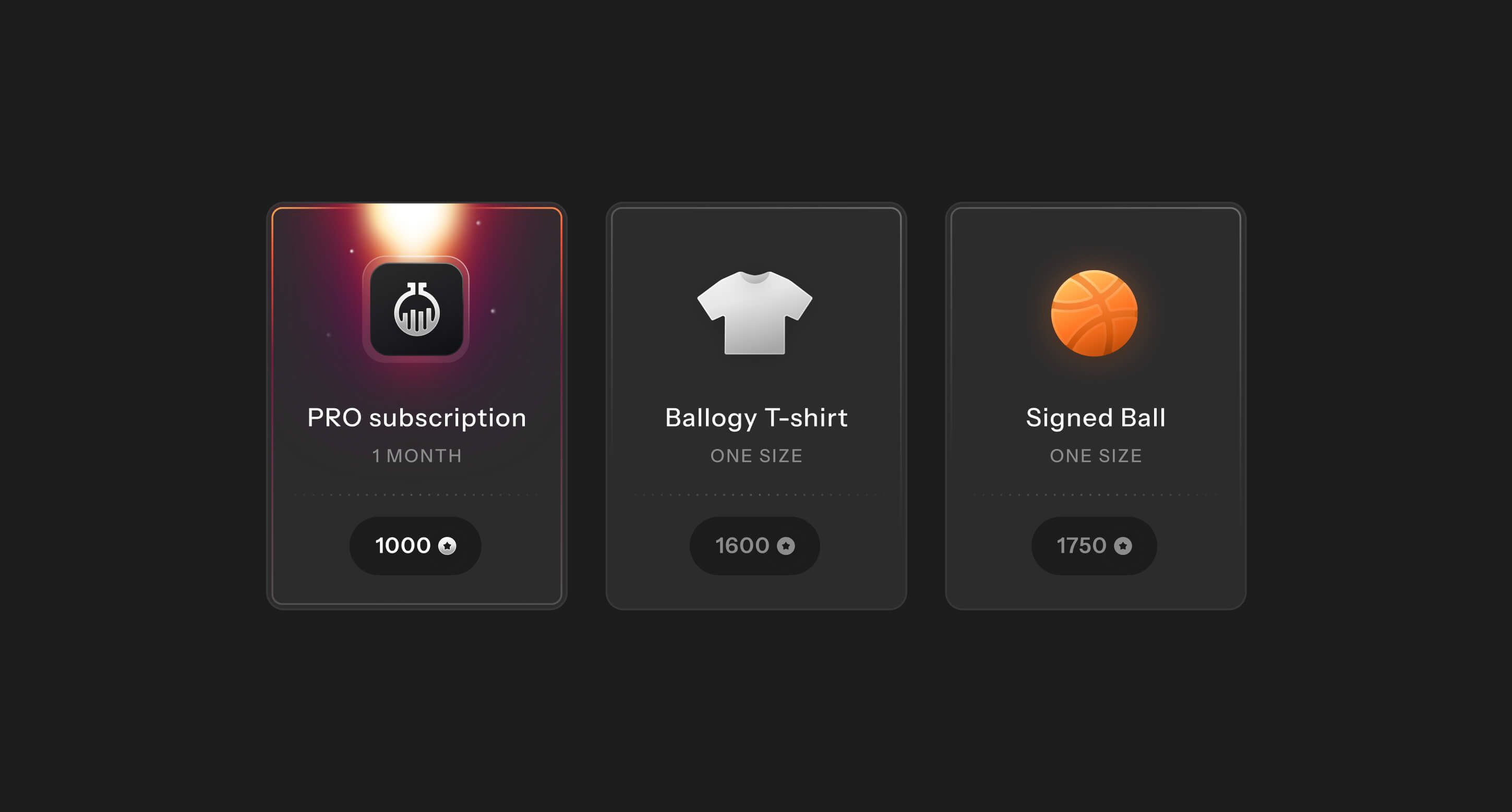
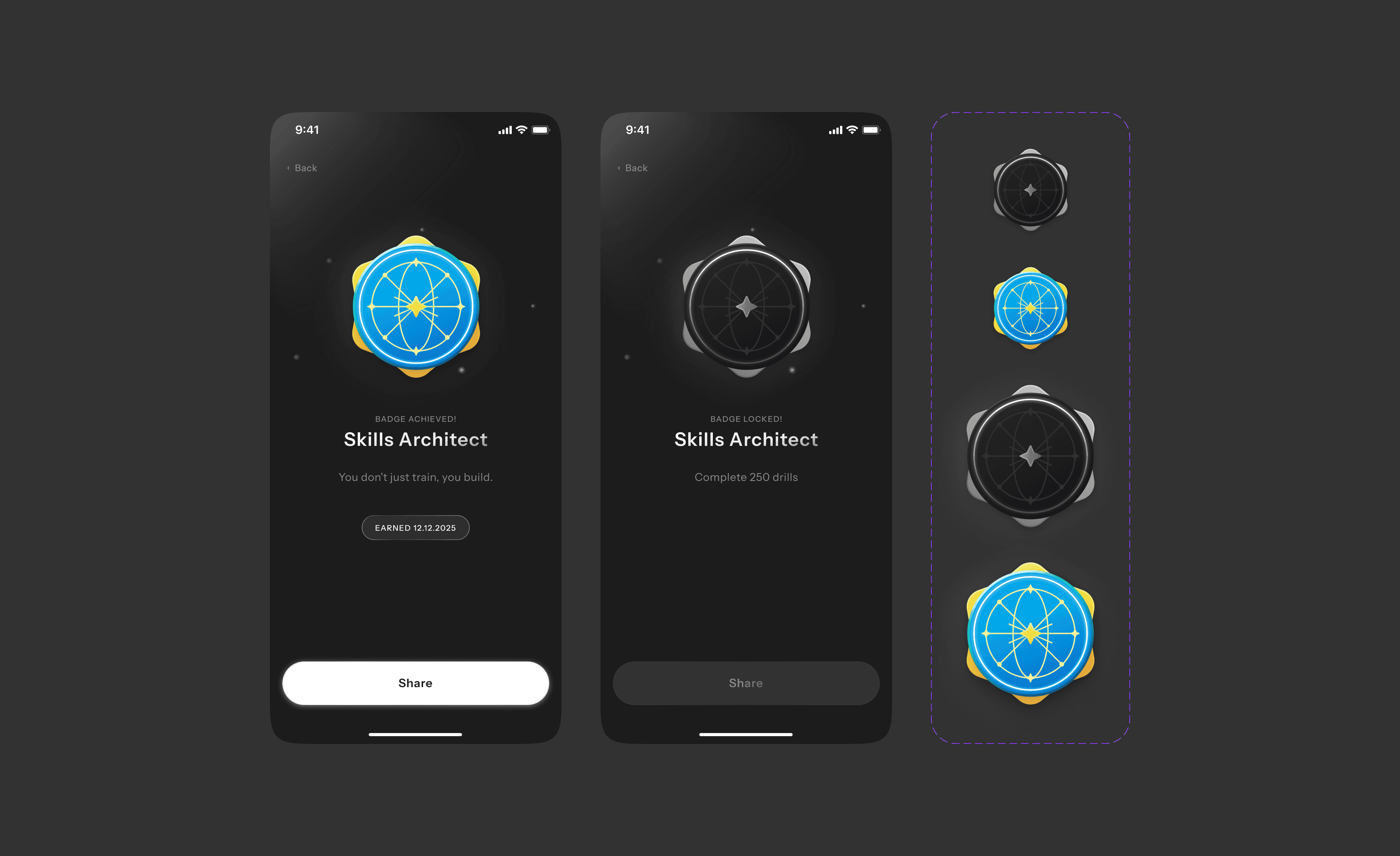
Gamified moments like badges, redeemable points, and achievement tiers (the 500 and 10k Shot Club, rewards such as a PRO subscription, a Ballogy tee, or a signed ball) turn activity into real-world rewards and make the app feel alive.
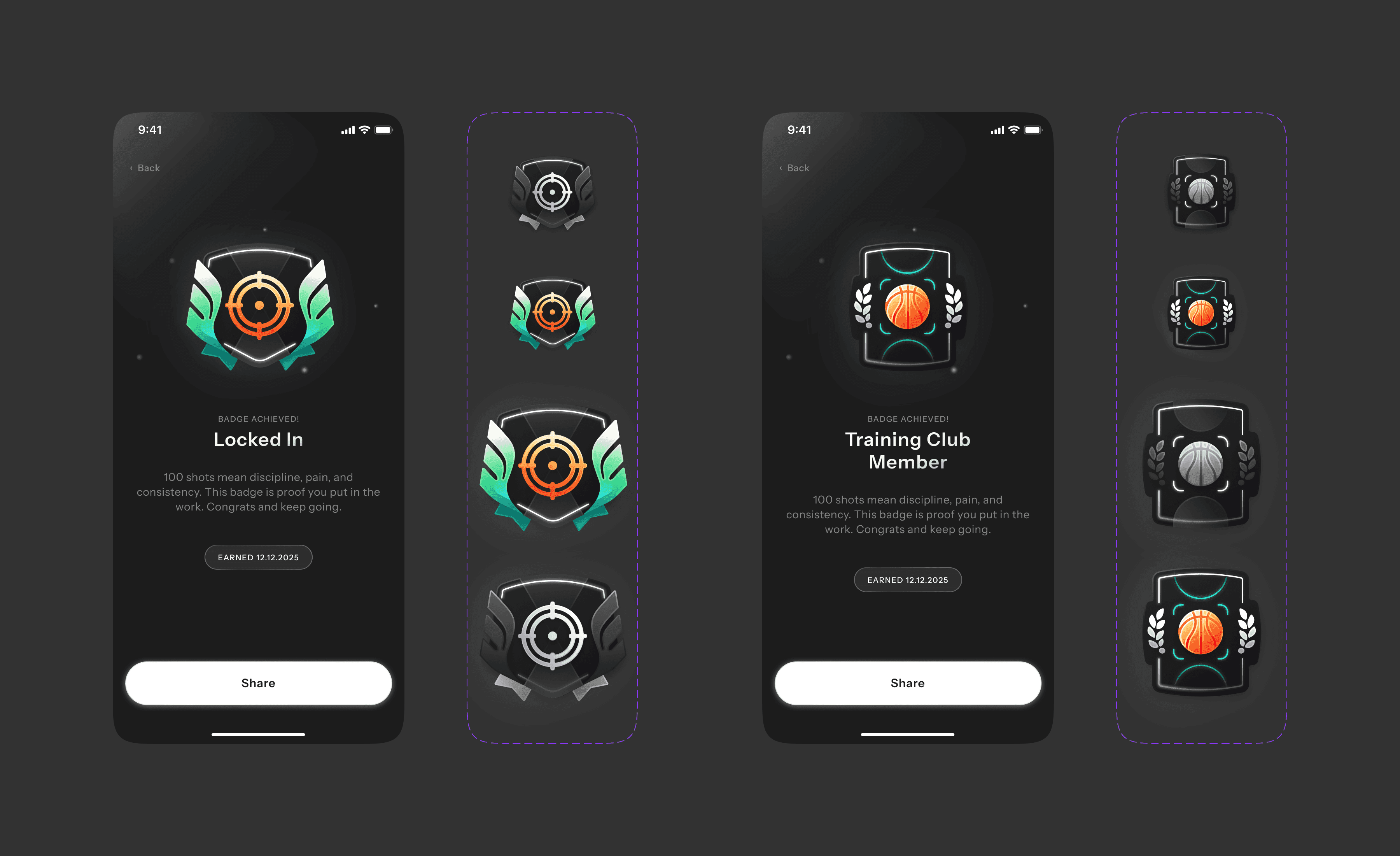
Gamification
- Badges
- Redeem points
- Turn player activity into real-world rewards
Coaches
Everything in one place
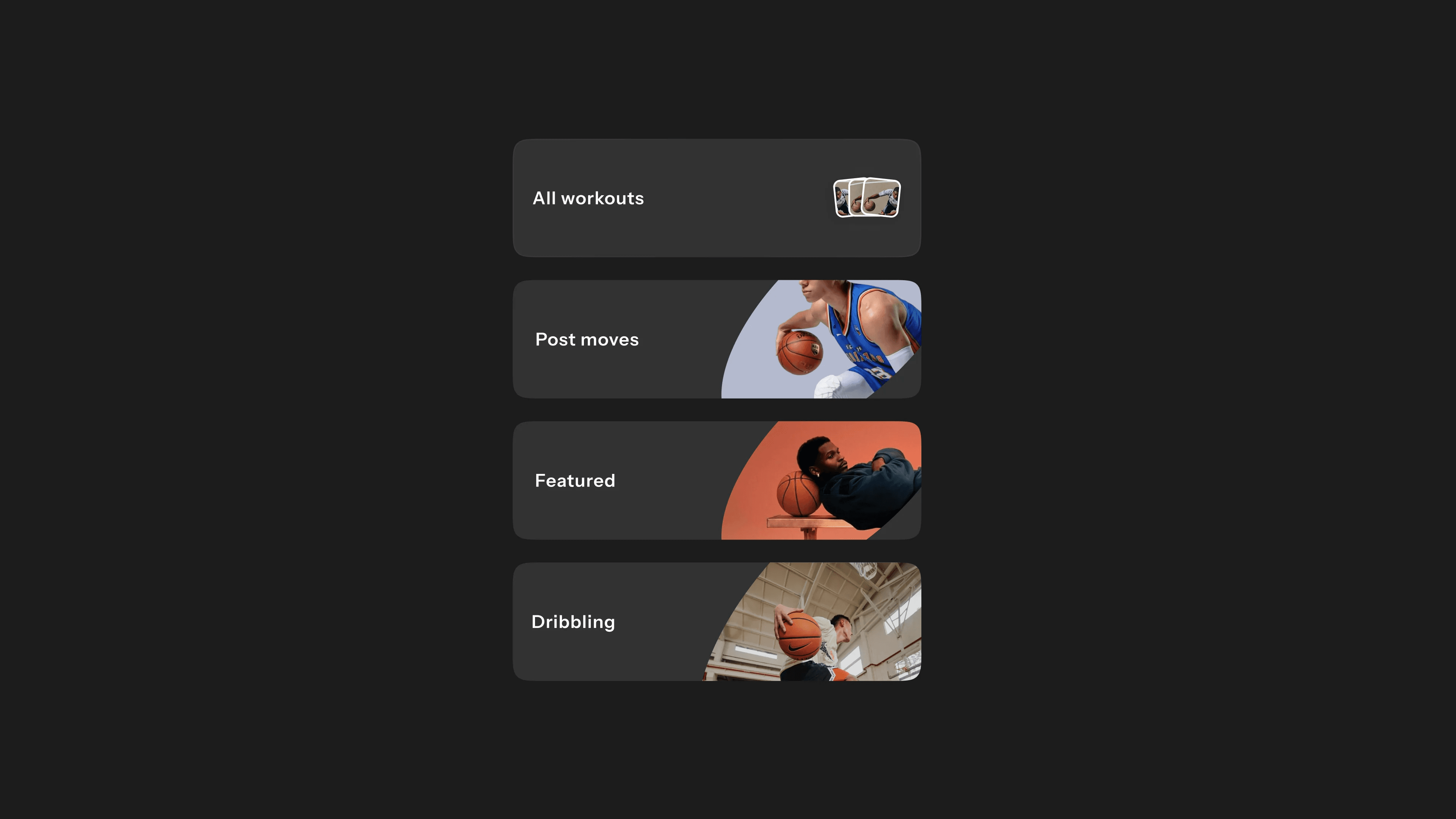
We brought team setup, training, calendars, communication, player progress, and AI support into one clear structure, organized around five core workflows.
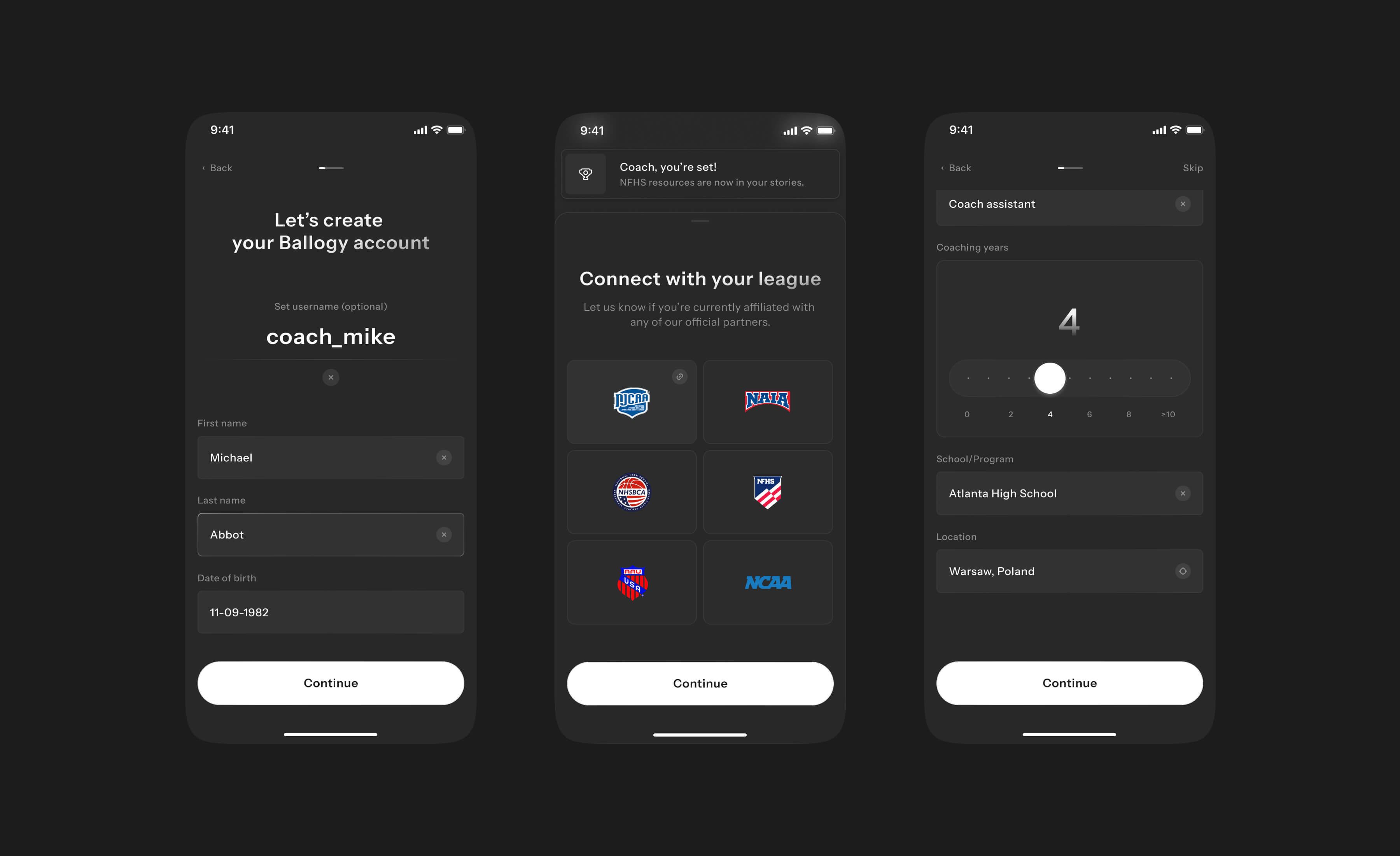
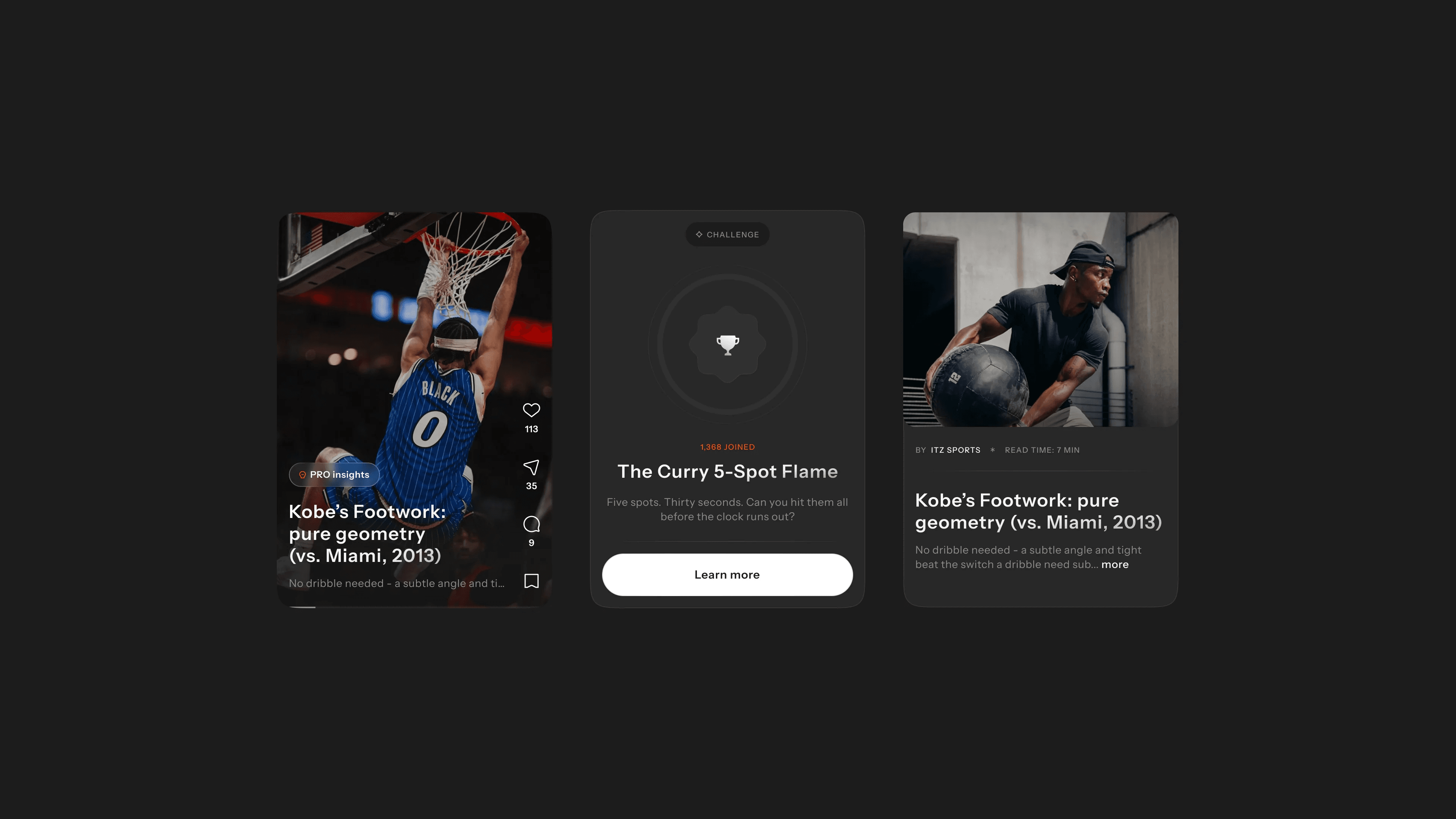
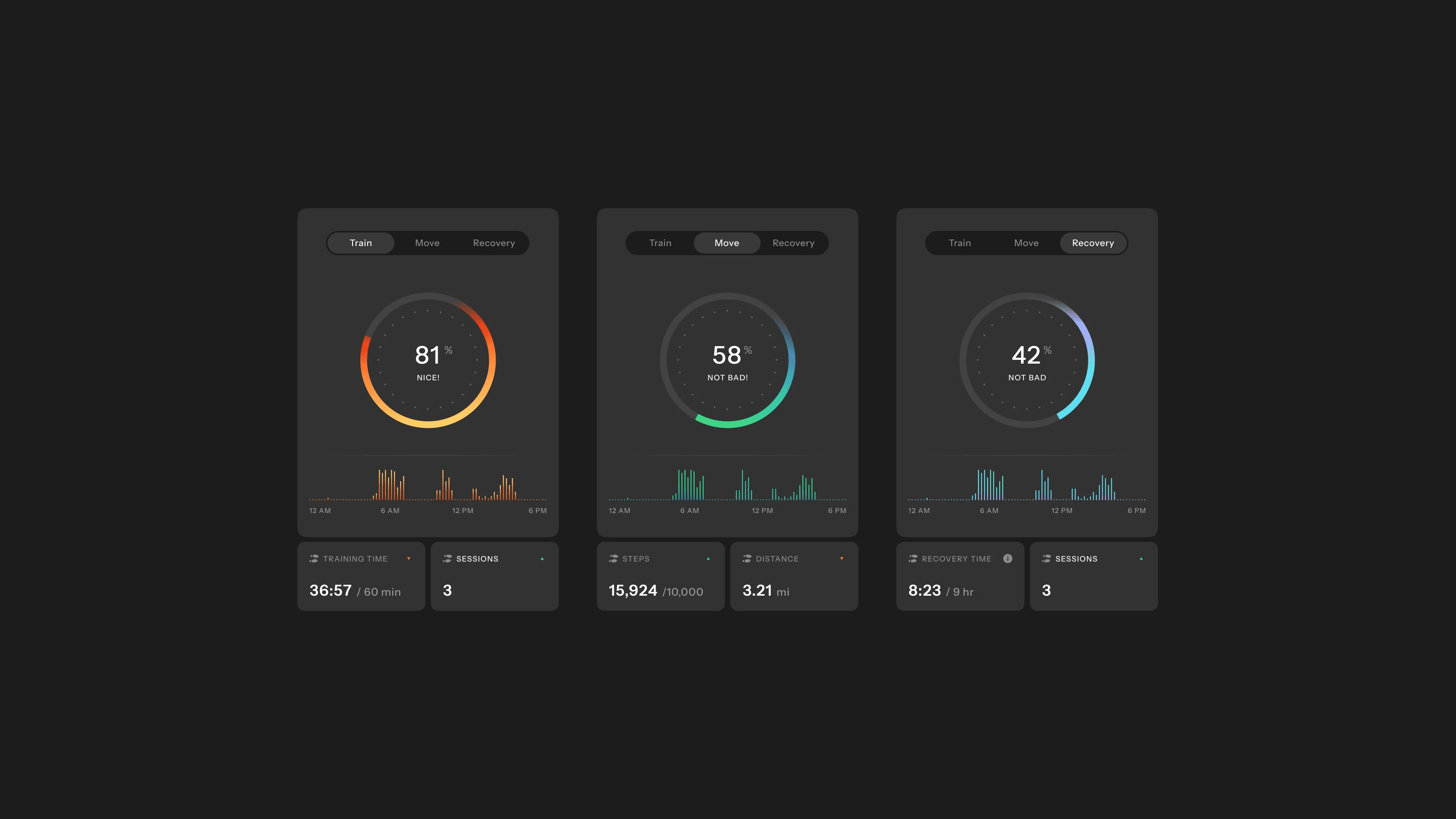
Team performance at a glance
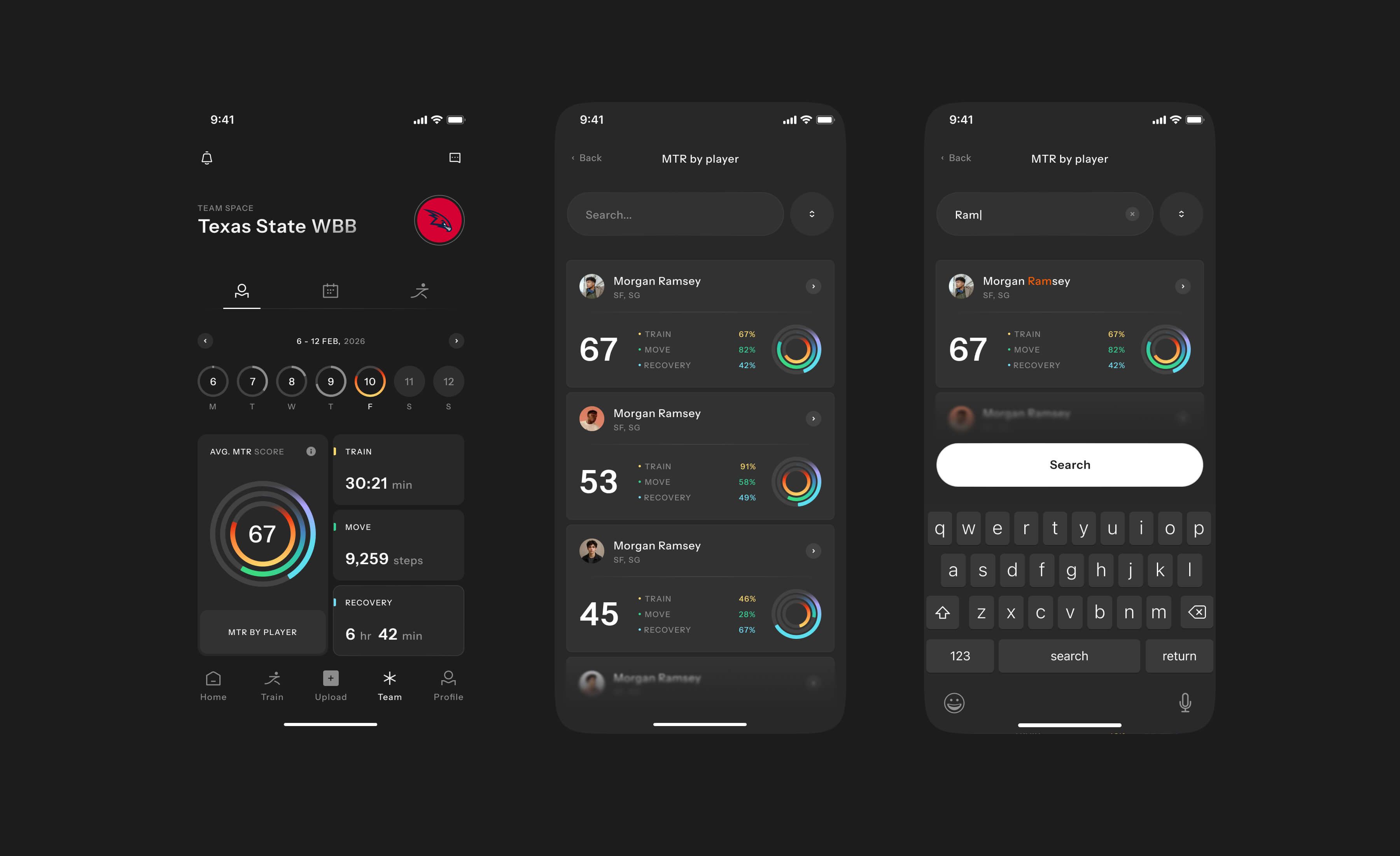
Coaches can see team activity, training, movement, and recovery all at once.
They can now compare individual player progress without opening multiple views, and track completion, overdue workouts, and daily activity, all anchored by Ballogy's MTR performance metric.
Team coordination
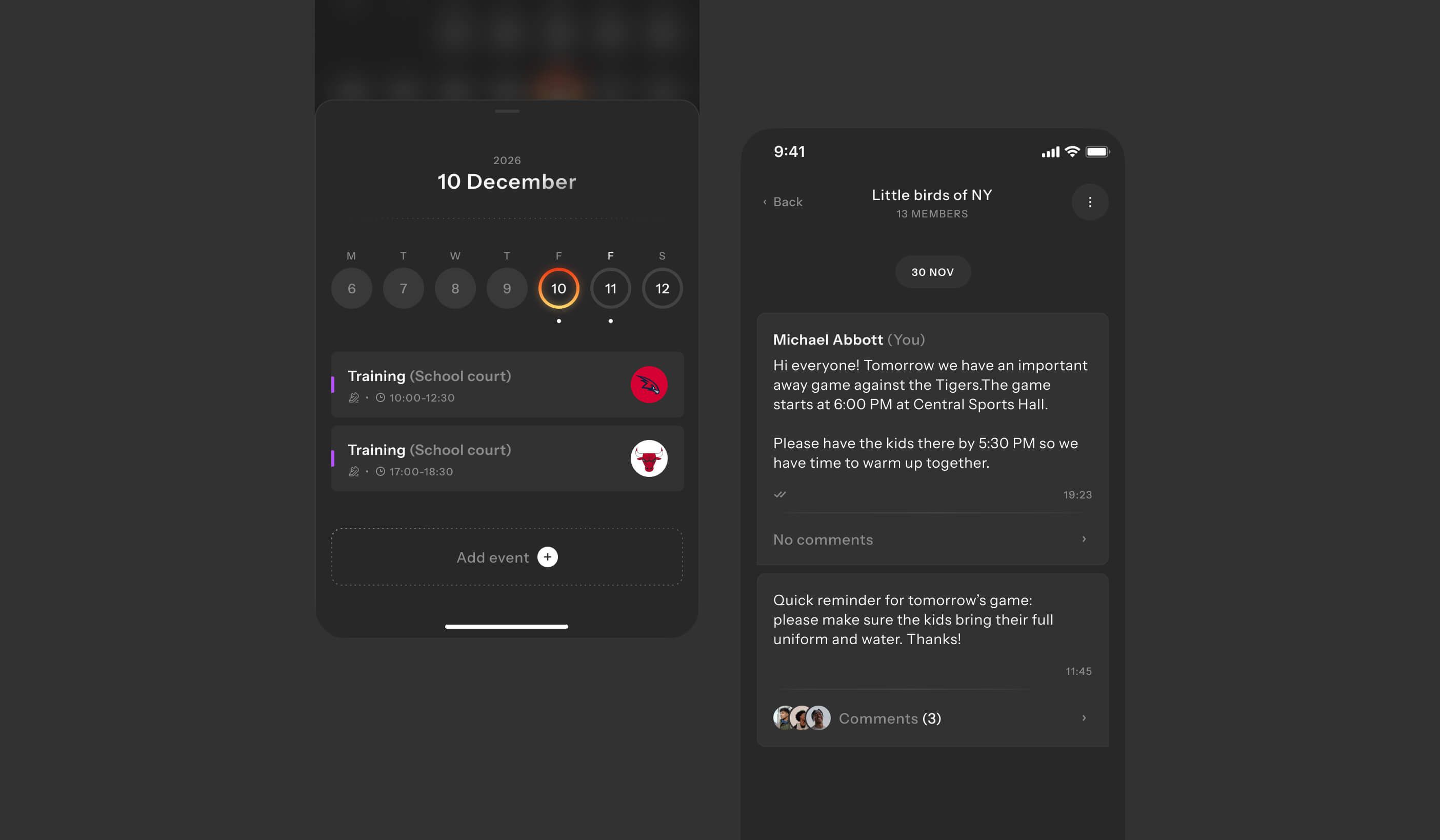
One place to plan, communicate, and keep the team moving.
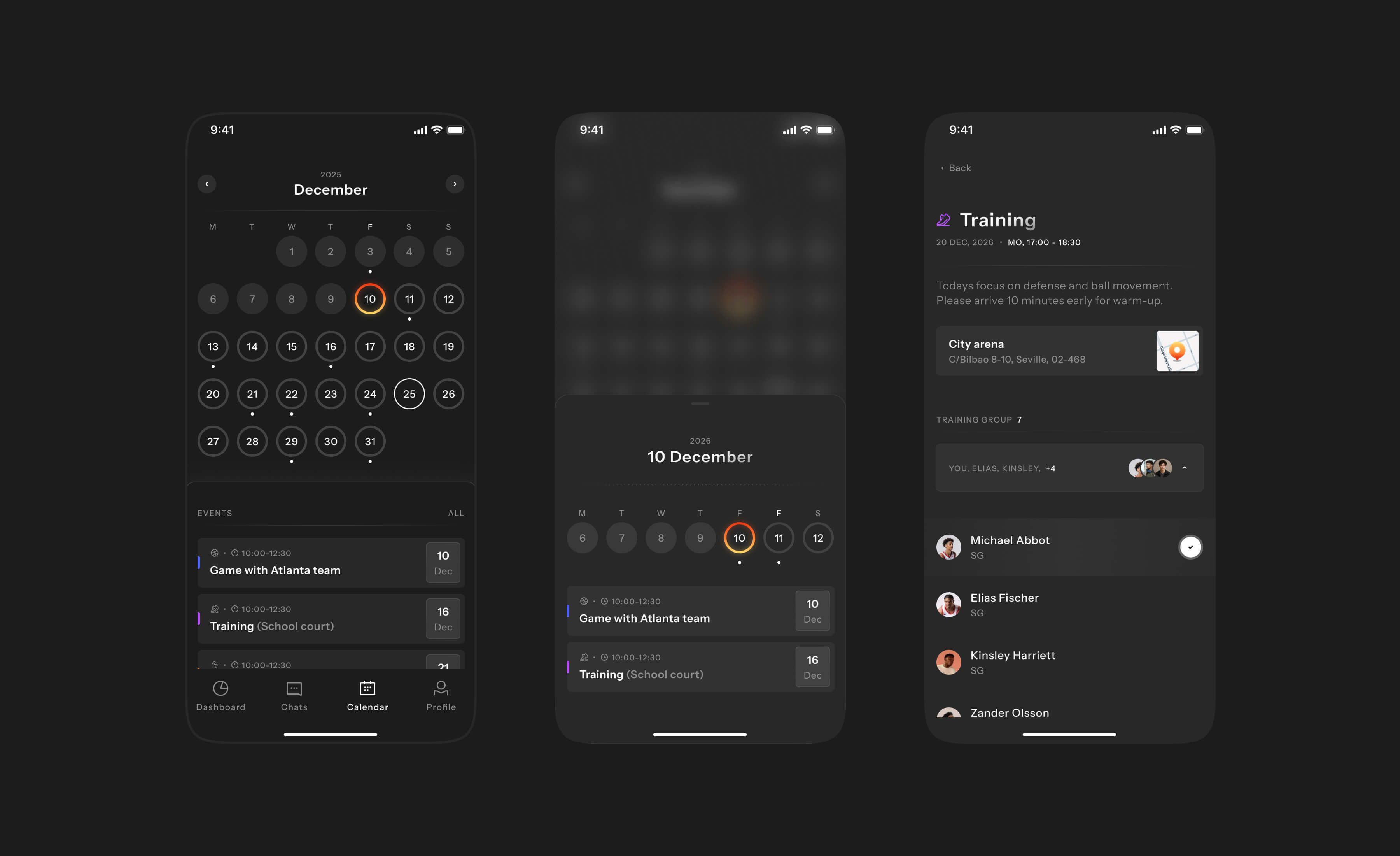
Calendar to schedule trainings, games, deadlines, and RSVPs. Chats to keep team, parent, and player communication in one place. Feed to switch between global and team-specific updates. Team to manage rosters, performance, workouts, and settings. Profile for account, subscription, and notifications.
An AI coach built in
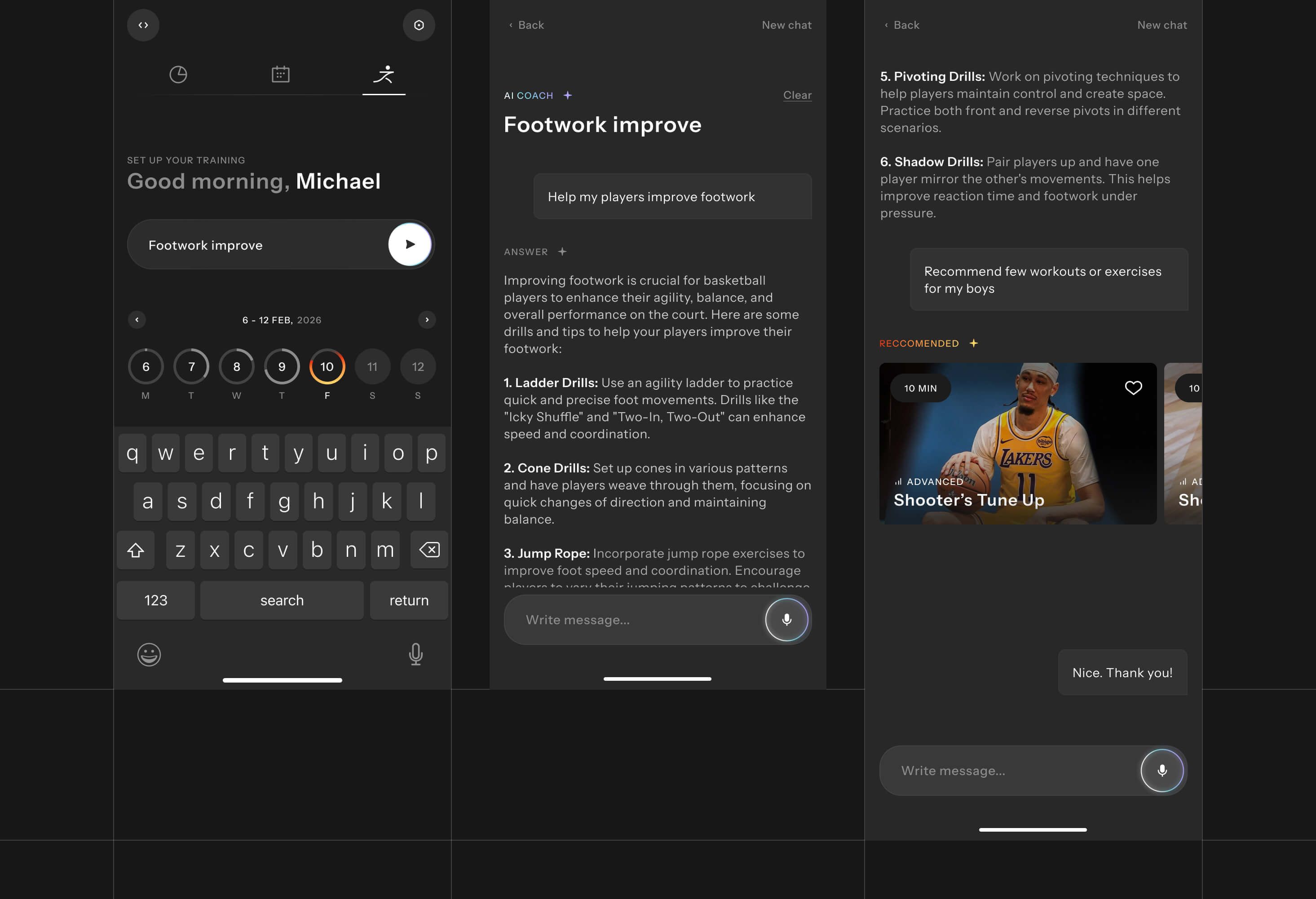
AI support built into the coaching workflow
We added an AI assistant inside the coaching experience that answers player-development questions and recommends workouts and drills on demand, so a coach can turn "help my players improve footwork" into a ready-to-assign plan in seconds.
Parents
Different purpose entirely
In the old app, parents were basically a copy of the player.
In the new app, we separated it into a dedicated role with a different purpose: visibility, coordination, and support
Parent-child linking
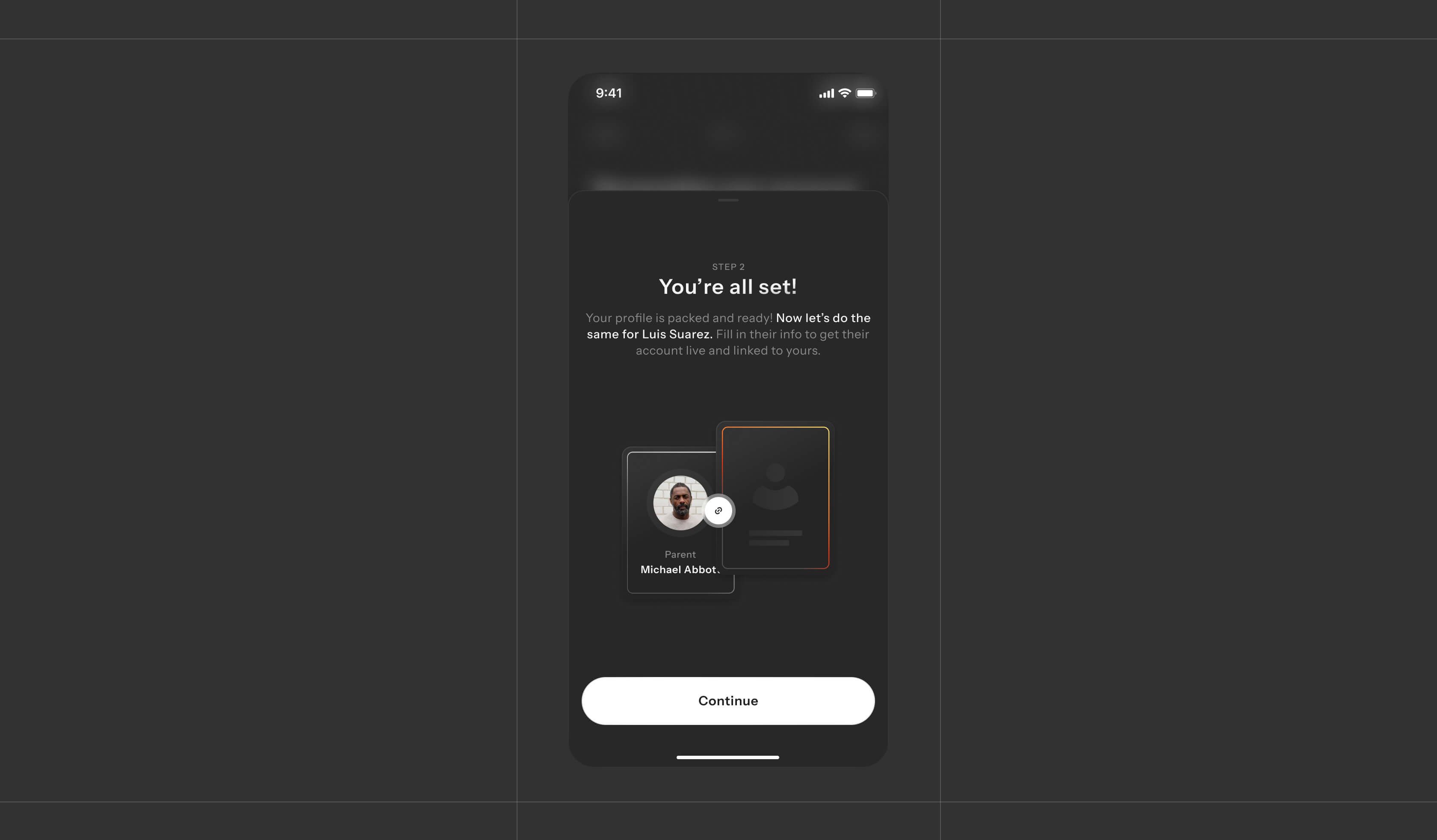
Making parent-child linking understandable
Parent setup solves one specific UX challenge: making it clear whose account is being created, whose profile is being tracked, and how the two connect. Access code first, separate parent details, then child-profile confirmation, so ownership is never ambiguous.
Parent dashboard
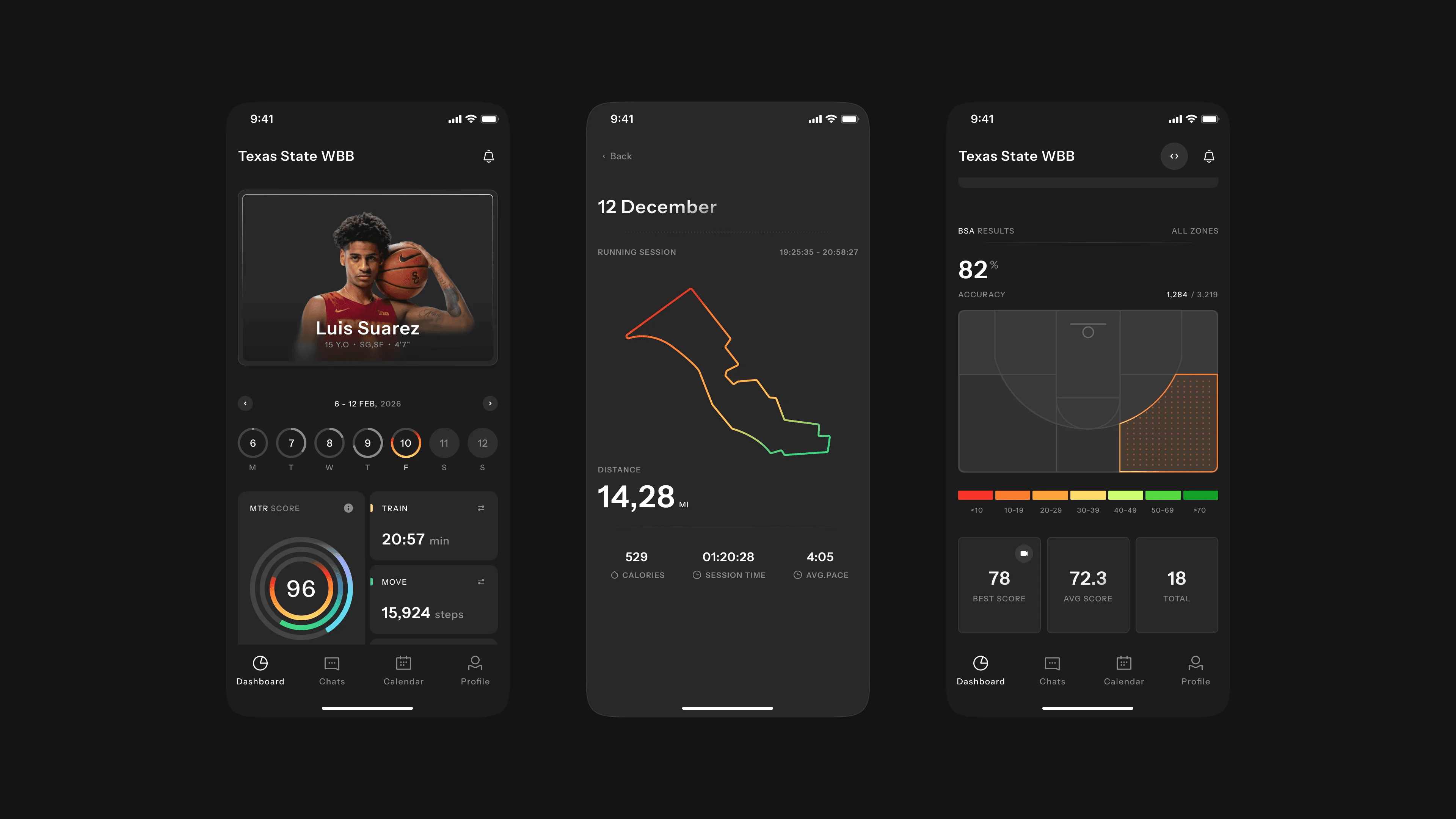
A parent dashboard focused on clarity
Parents get progress, training, performance, and highlights in one place: development without digging through screens, completed sessions and recent activity, key metrics like MTR, shooting accuracy, and recovery, and the standout moments worth seeing.
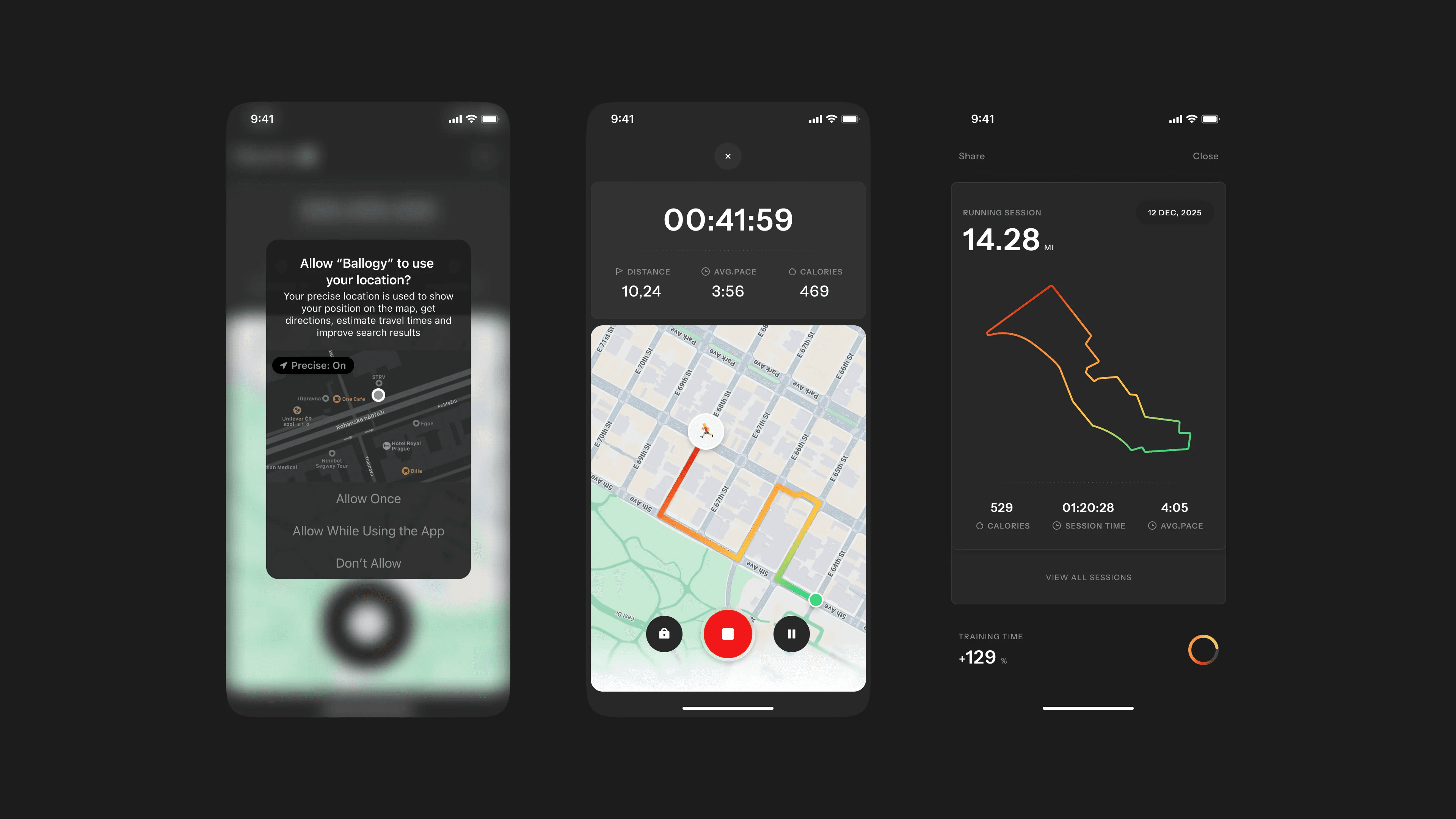
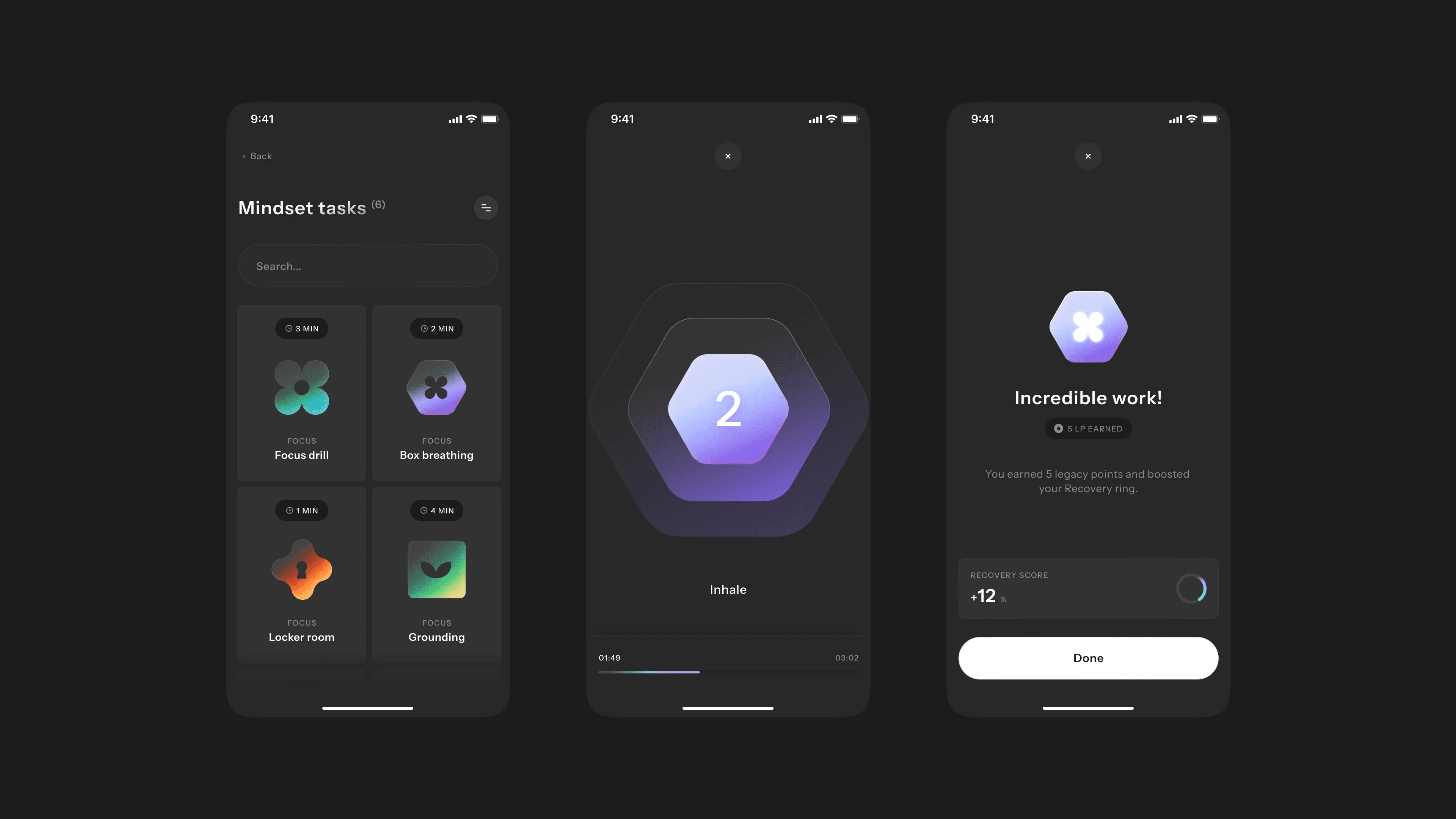
Sharper visual system
None of this scales without a system.
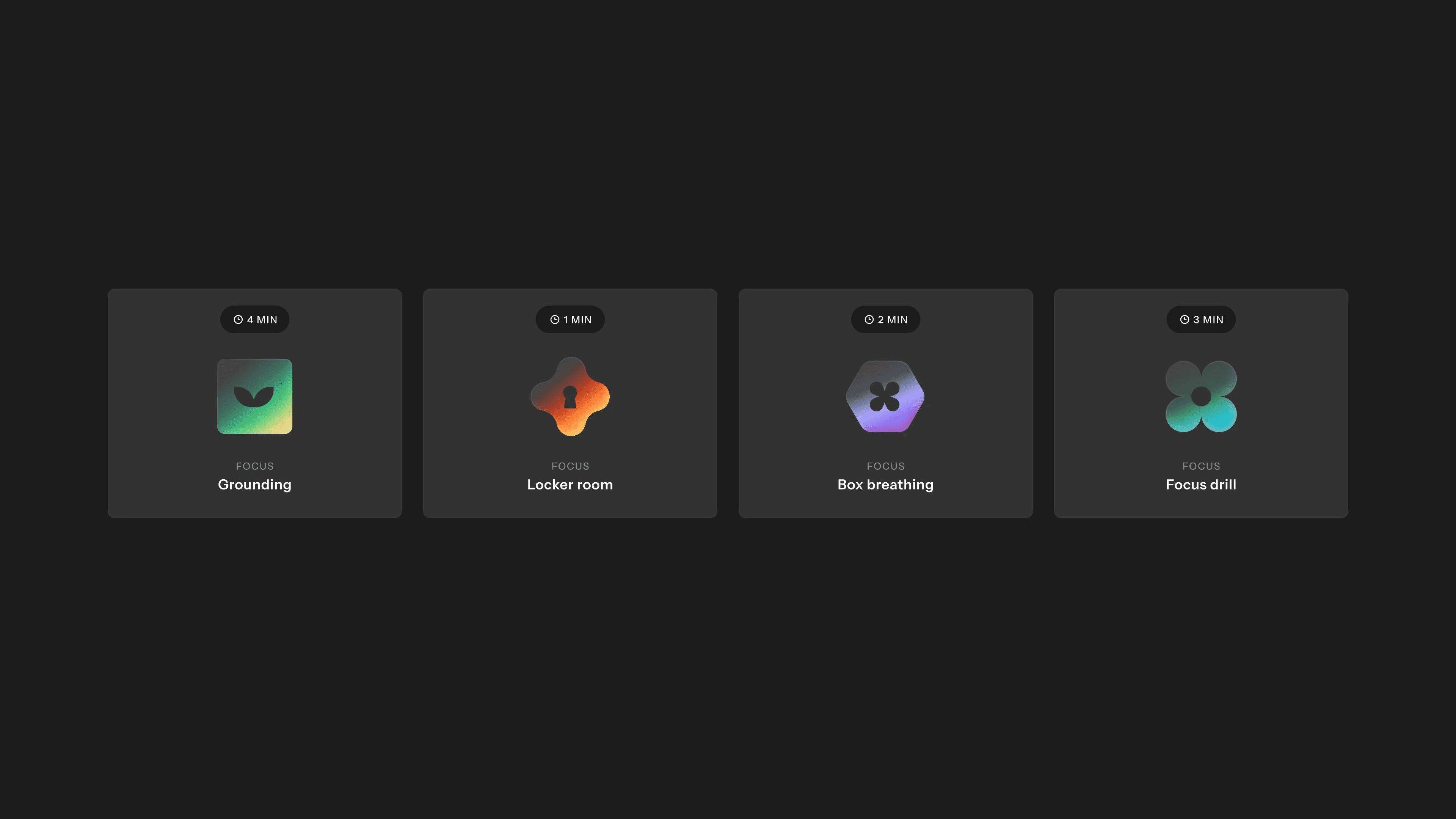
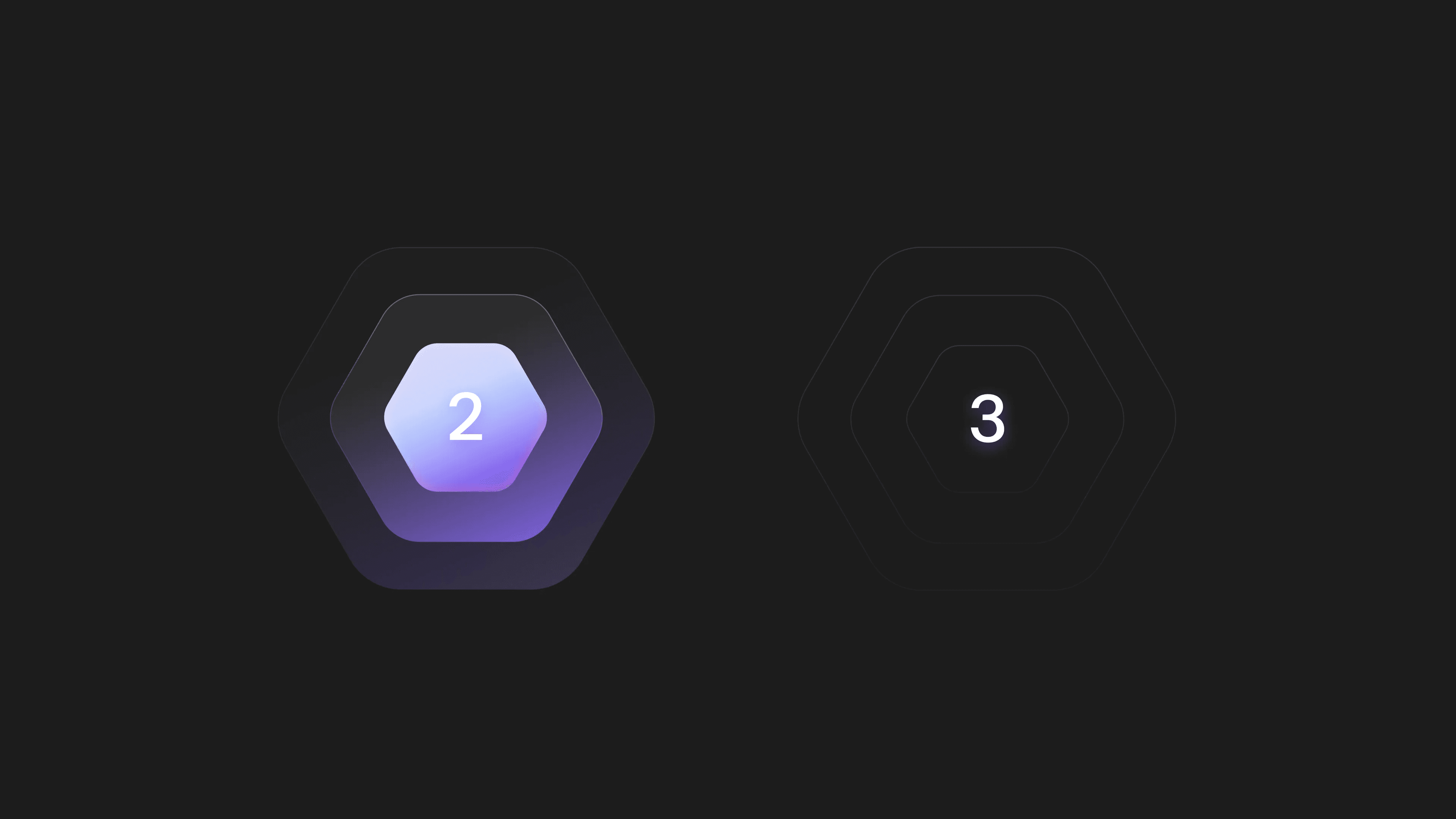
We rebuilt Ballogy's interface to feel darker, more premium, and easier to scan, while staying flexible across player, coach, and parent.
Keep reading
More case studies

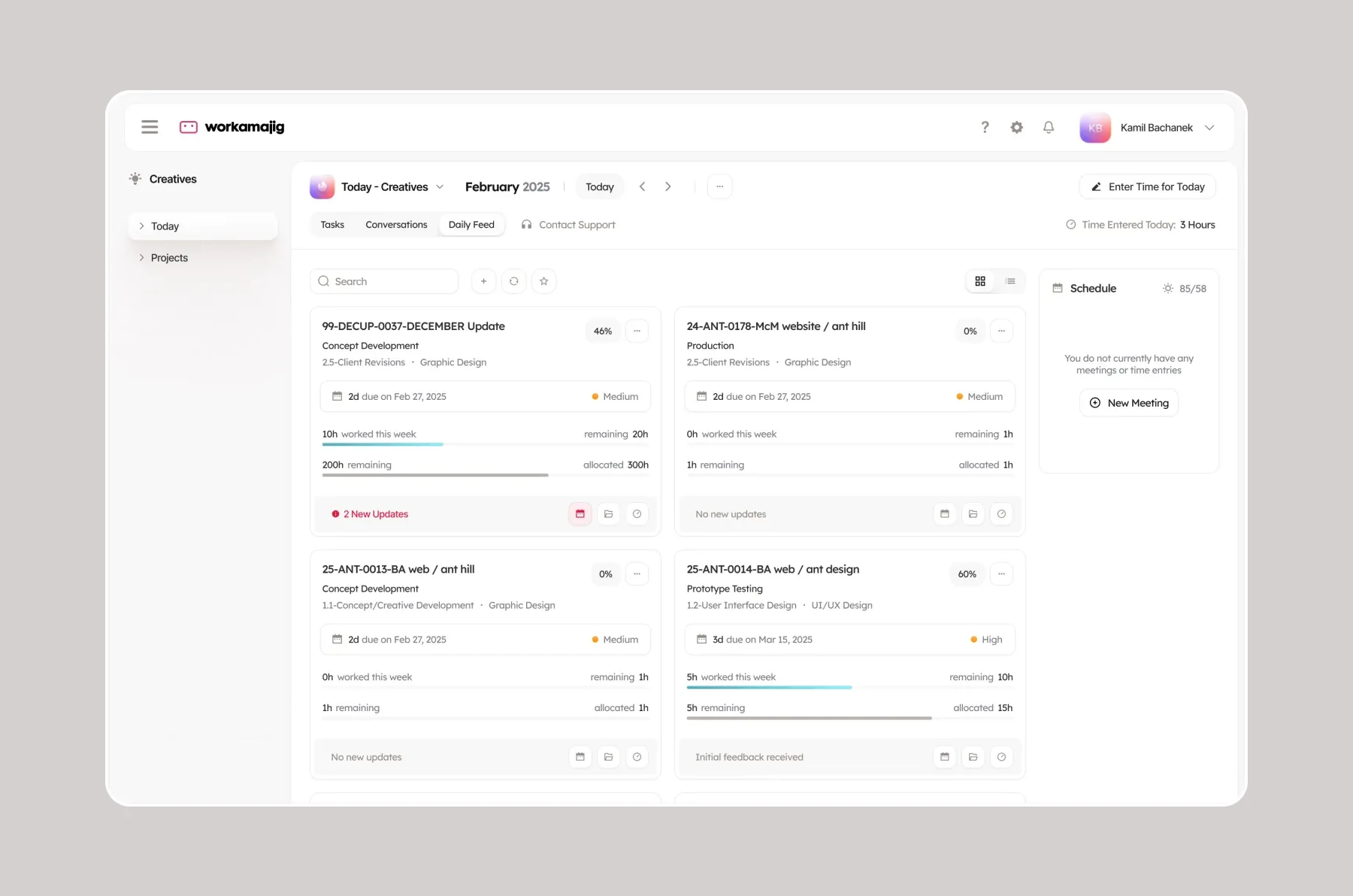
- Helping a 1M+ user sales platform improve website engagement and conversion rates.
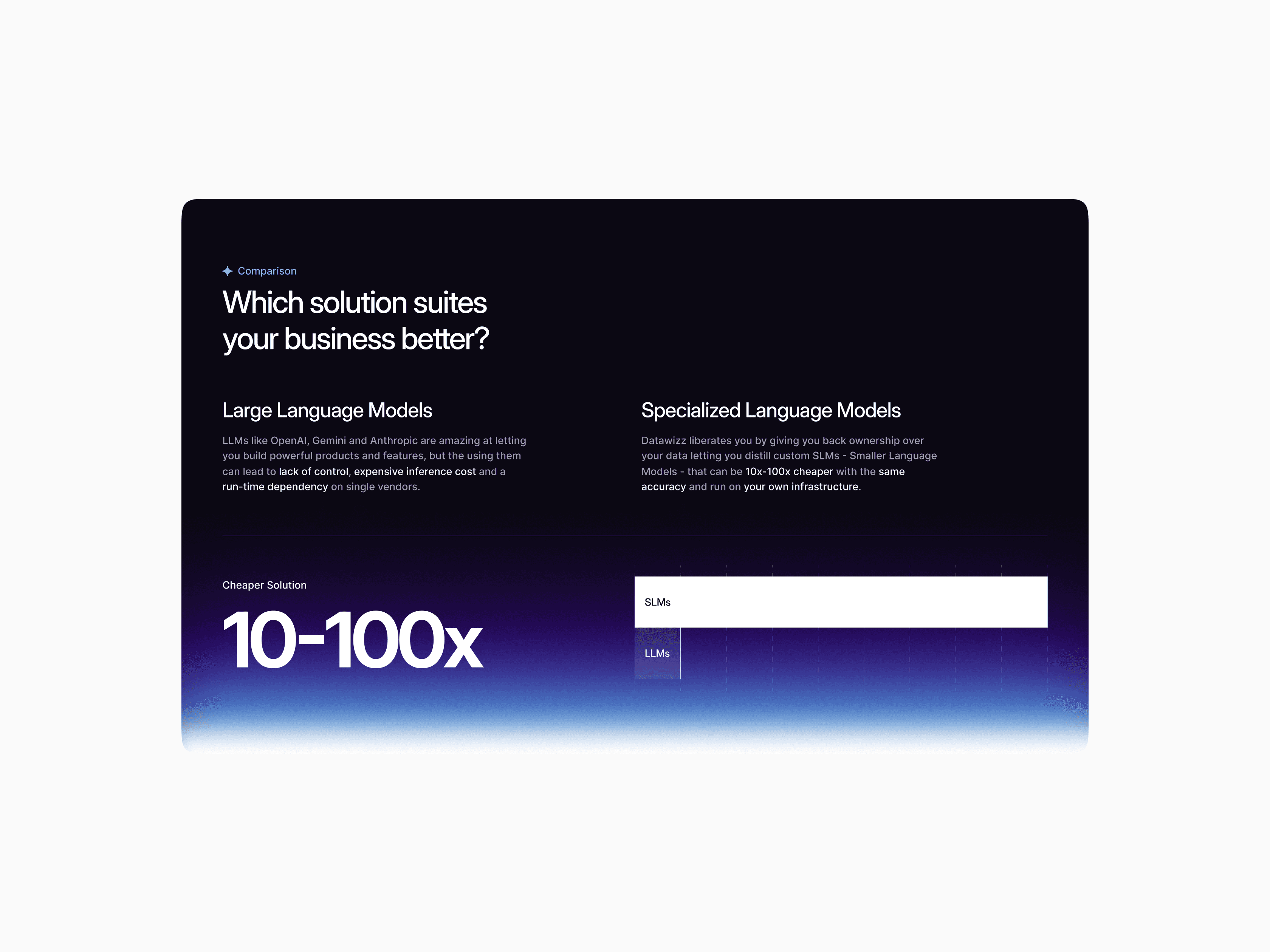
- Designed the brand and digital experience for a $72M-funded next-gen narrow bank platform.
- Refreshing the brand, the product and the website experience behind Lightdash’s $11M Series A


You've reached the end, so now…
Tell us what you’re building.
We’ll help you map the right scope, team, timeline, and next steps.
Book a call