Productivity app design agency
Design for work tools people keep open all day, every day
Product, brand and website design for productivity and collaboration software. Dense screens that stay calm, redesigns long-time users accept, and sites every team understands.
- 4 weeks To launch Spatial’s new website
- $11.3M Raised by Quadratic to date
Teams we’ve worked with
DesignMe is a design agency for productivity and collaboration software: the project management tools, spreadsheets and shared workspaces people use all day. We redesign dense product screens without losing what long-time users know, build one design system for every role, and design brands and websites that explain a horizontal tool to specific teams. Clients include Workamajig, Spatial and Quadratic. We are redesigning the core product of Workamajig, which has sold project management software to creative firms since 1986, and we launched Spatial’s refreshed website in 4 weeks.
- Productivity and collaboration clients
- Workamajig, Spatial, Quadratic
- Fastest launch
- Spatial: brand refresh and Webflow website in 4 weeks
- Longest-running
- Workamajig: core product redesign, 2025 to now
- What we design
- Product UI, design systems, brand, websites
Fit
Who we work best with among productivity and collaboration teams
A good fit if
Probably not a fit if
- Not a fit: Teams that need backend engineering, data migration or integrations built
- Not a fit: A new coat of paint with no access to the product team or real users
- Not a fit: Pre-funding ideas that need a prototype for under a few thousand dollars
Sound familiar?
Your users live in the product. Every screen has to earn that time.
Work tools tend to hit the same walls as they grow: more features, more roles, more people who notice every change. If a few of these sound like you, this page is for you.
Your users keep the product open all day, and every screen shows everything at once.
We give each screen one job and a clear order: today’s work up front, the rest one click away, and color only where it means status, priority or progress.
Your long-time users will notice every pixel you move.
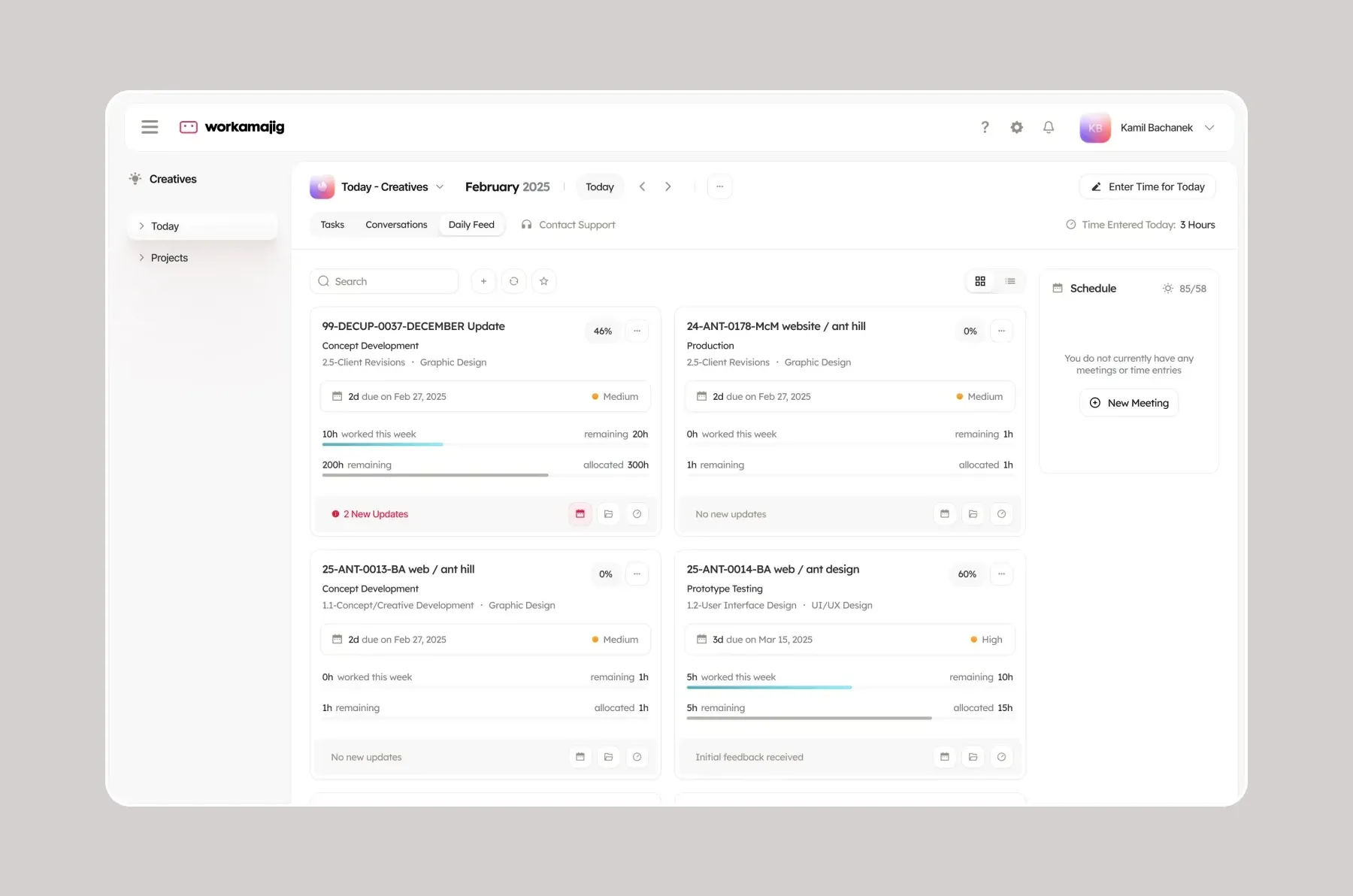
We keep what people already know, like where work is filed and how roles are organized, and change how it looks and reads, screen by screen. That is how we approach the Workamajig redesign.
One product serves many roles, and none of them feels it was built for them.
Each role starts from its own view, built from the same cards, pickers, tables and charts, so the product feels made for everyone and still works as one system.
Your homepage says “for every team”, so no team sees itself in it.
We design pages by role and use case that show the product doing that team’s job, so a project manager and a finance lead each find their own reason to try it.
You are building a new category, and buyers compare you to the tool they already use.
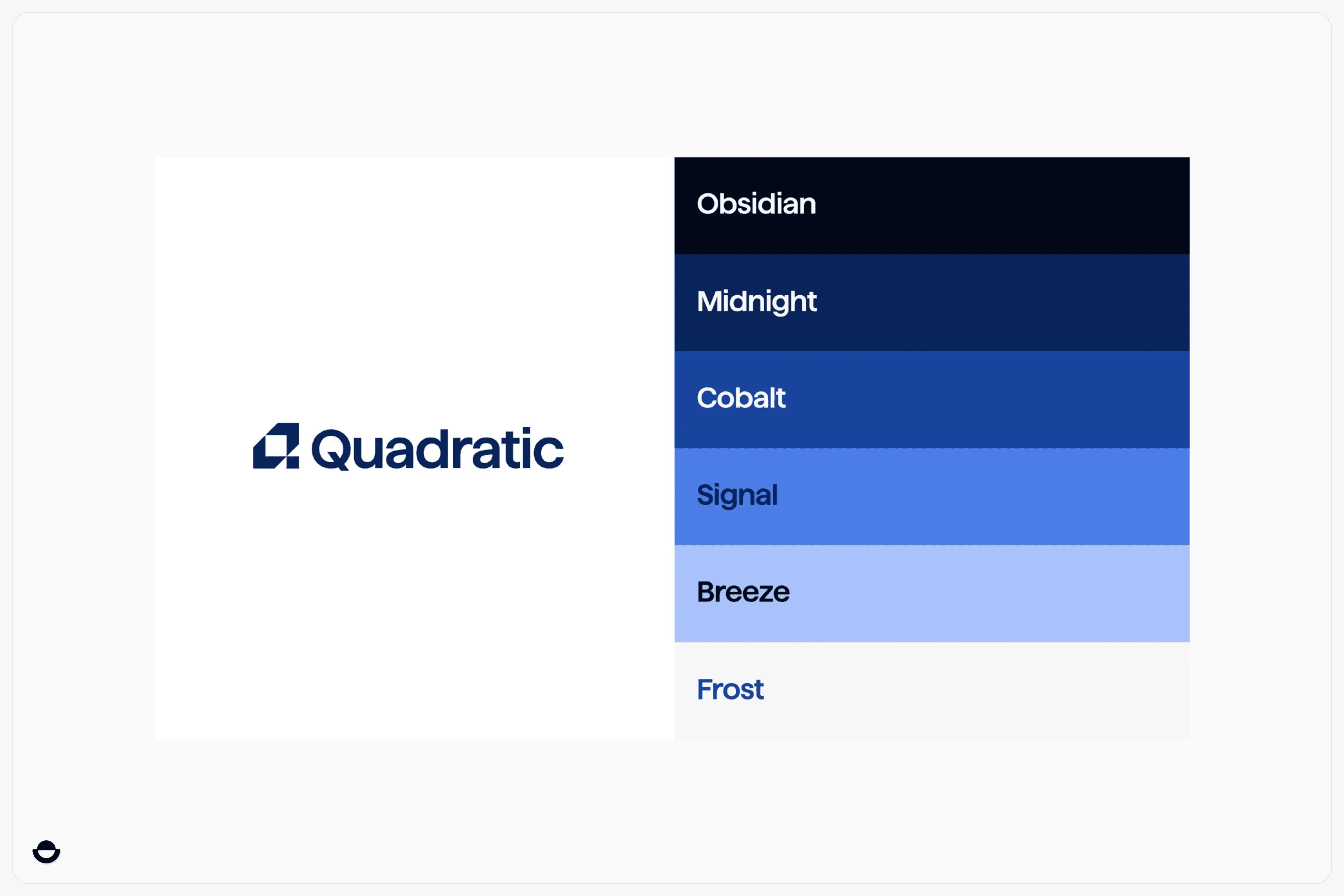
We design a brand that feels familiar enough to trust and different enough to notice, as we did for Quadratic, an AI-native spreadsheet for data teams.
The product is ready for a big launch, and the website is not.
We refresh the visual language and ship the pages that matter first. Spatial’s refresh, key pages and a new product landing page in Webflow took 4 weeks.
By stage
What work tools need from a new category to a product people know
New category
Explain a new kind of tool to people who already have one. A brand that stands apart from the incumbent and a story a buyer can repeat.
What we usually deliver
- Brand identity
- Positioning and messaging
- Launch website
- Product marketing assets
- Pitch deck
Clients at this stage
QuadraticSeed
Designing the brand identity and assets for an AI-native spreadsheet built for data teams.
New platform launch
Look ready for the moment the product takes a big step. A refreshed visual language and the pages that sell the launch, shipped fast.
What we usually deliver
- Visual language refresh
- Information architecture
- Product landing page
- Webflow development
- Launch motion
Clients at this stage

SpatialPrivate
A 4-week brand and Webflow website refresh ahead of Spatial’s spatial computing push, including Apple Vision Pro.
Established product
Modernize the product without losing the customers who know it by heart. Keep what works, make it calmer, and make every role feel at home.
What we usually deliver
- Core experience redesign
- Navigation and role views
- Design system and components
- Rollout in rounds
- Website redesign
Clients at this stage
WorkamajigPrivate
Redesigning the core product for a project management platform that creative agencies have used for years.
Quick check
Is your work tool calm enough to use all day?
Tick what is true today.
What each score means
- 0 to 3Busy and hard to learn Users likely get by on habit, and new ones struggle. Start with navigation, role views and a clear order on the screens people open most. Book a product review
- 4 to 6Solid, not yet calm The basics work. A shared component system, a careful rollout plan and pages by team are the next steps. Talk through the gaps
- 7 to 8Ready to grow The product is calm and the story is clear. Next gains come from new roles, new markets and a website that keeps pace with the product. Plan the next step
By the numbers
Proof from work tools we’ve redesigned and launched
4 weeks
to refresh Spatial’s visual language, redesign key pages and launch a new product landing page in Webflow.
93/100
PageSpeed Insights scores on the new Spatial website.
6
roles with redesigned screens in Workamajig, from creatives to billing, built from one set of components.
1986
the year the company behind Workamajig started selling project management software to creative firms. Thousands of agencies already know where everything is.
Glossary: 6 terms, in one sentence each
Design system
A shared set of components, styles and rules that keeps every screen of a product consistent as more people build it.
Information architecture
How a product or website is organized and labeled, so people can find what they need without thinking about it.
Role-based views
Start screens and navigation shaped around what each role does, inside one product.
Gantt chart
A timeline view that shows tasks as bars across dates, common in project management tools.
Resource management
Planning who works on what and when, so a team’s hours match the work booked.
Spatial computing
Software that places digital content in the physical space around you, through headsets such as Apple Vision Pro.
How we help
Services that matter most for productivity and collaboration software
Product design
Dense screens with a clear order, role views and a component system, redesigned in rounds that long-time users can follow.
Website design
A site that shows the product doing each team’s job, with pages by role and use case instead of one long feature list.
Brand identity
A brand that makes a new kind of work tool feel trustworthy next to the one buyers already use.
Webflow development
Launch pages your marketing team can update as the product ships, as on Spatial’s 4-week refresh.
Motion design
Short product loops that show a workflow in seconds, which a static screenshot of a busy UI cannot.
Talk to us about your productivity and collaboration project
We’ll help you map the right scope, team, timeline, and next steps.

FAQs
Productivity software design questions, answered

How do you redesign a product people use all day?
Keep what people already rely on, like where work is filed, what things are called and how roles are organized, and change how it looks and reads. Ship it in rounds, screen by screen, so nobody has to relearn their day at once.
That is how we approach the Workamajig redesign: the role menu and the Today page stay, in a lighter and calmer interface.
How do you design a dense interface that still feels calm?
Give each screen one main job and a clear order, so today’s work comes first. Use color only where it carries meaning, such as status, priority or progress, and keep tables, cards and pickers consistent everywhere. Density is fine when people can scan it.
How do you design one product for many roles?
Start each role on a view built for its work, then build every view from the same components. People get a product that feels made for them, and your team maintains one system instead of several.
How should a horizontal tool market itself to specific teams?
Lead with one clear idea of what the product does, then give each team its own page that shows the product doing their job. A project manager, a finance lead and a creative should each find their own reason to try it within a click or two.
How long does a productivity software website take?
A focused refresh can ship in weeks. Spatial’s new visual language, key pages and product landing page in Webflow took 4 weeks.
A product redesign runs longer and works best in rounds: our Workamajig redesign started in 2025 and is ongoing.
How much does a website for a productivity tool cost?
Freelancers and templates can cost a few thousand dollars, while a boutique agency usually charges $8,000 to $25,000 for a full website. Product design, brand and motion work add to that, depending on how many screens and roles are in scope.
Can you design the product and the website together?
Yes, and it helps. When the site looks like the product, the first thing a new customer sees matches what they will use every day. With Workamajig we started with the product, and the website comes next.
You've reached the end, so now…
Tell us what you’re building.
We’ll help you map the right scope, team, timeline, and next steps.
Book a call